


Blog & News for Larapen
Publish articles, manage categories and tags, moderate comments, and boost your SEO; all from a clean editorial dashboard.
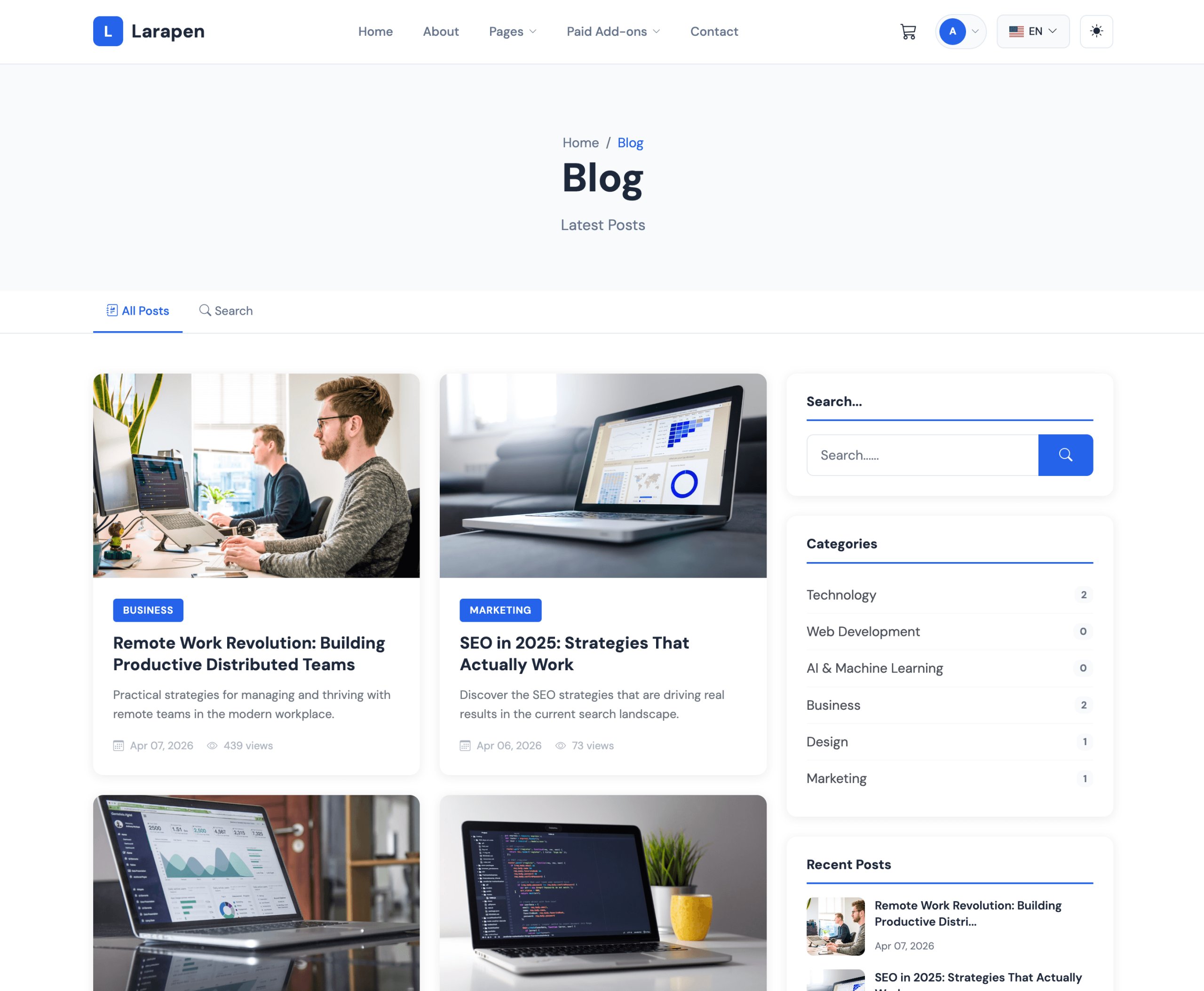
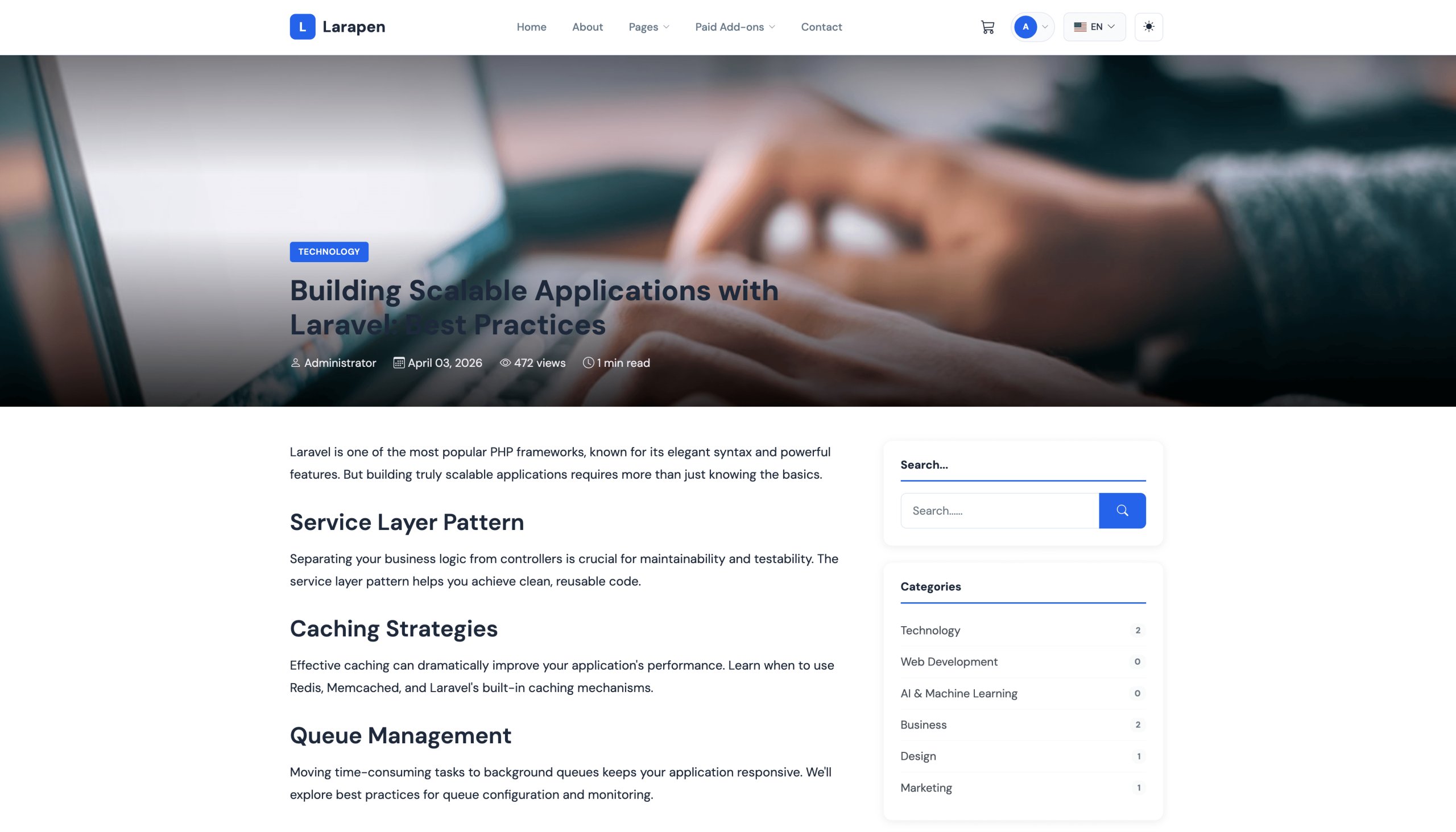
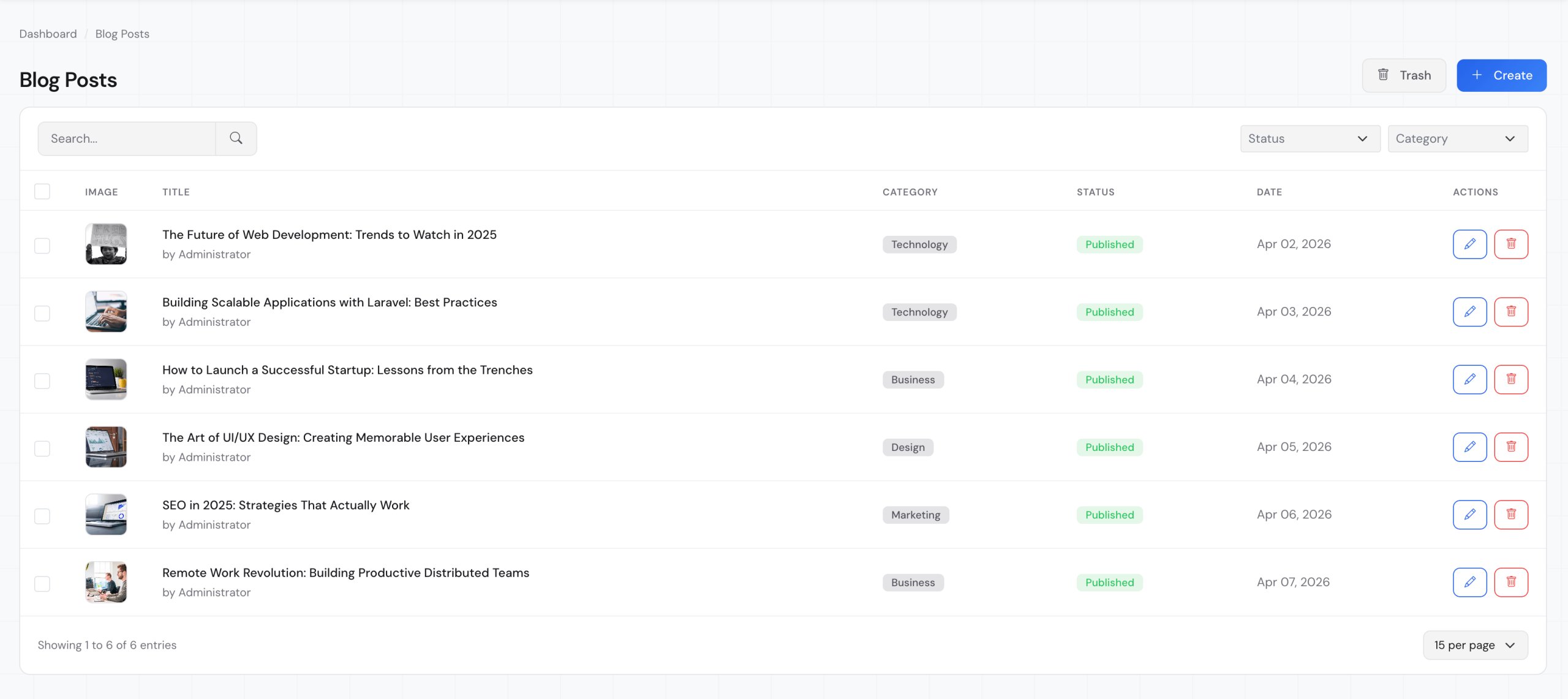
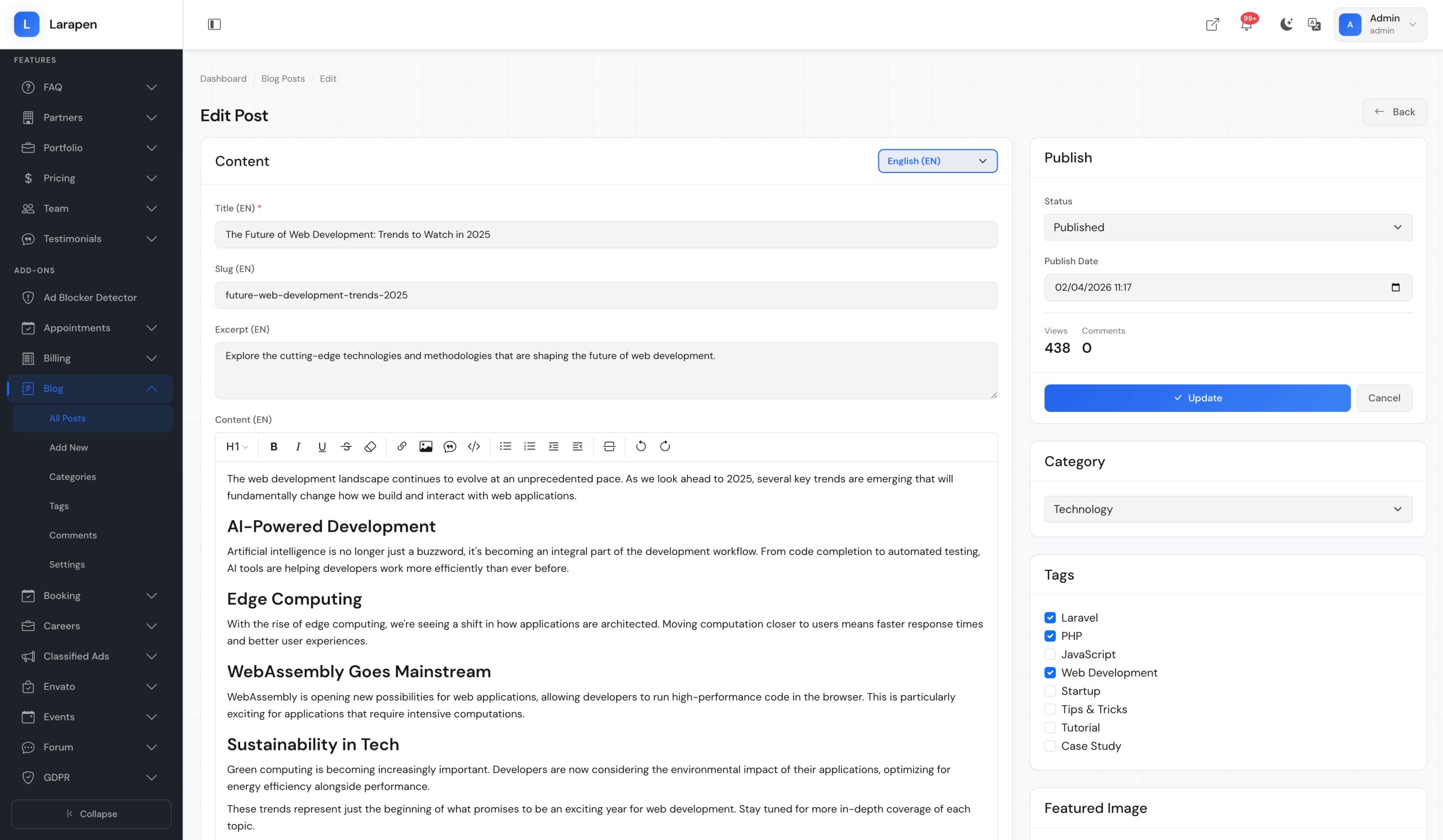
The Blog add-on gives you a complete editorial platform built right into your Larapen site. Write rich articles with an intuitive WYSIWYG editor, organize content with categories and tags, and let your readers engage through a built-in commenting system. Every post is fully optimized for search engines with customizable meta titles, descriptions, and clean URLs.
Built for Multilingual Audiences
Every blog post, category, and tag supports full multi-language translations. Reach a global audience by publishing content in as many languages as your site supports, with automatic locale-based URL routing and hreflang tags for international SEO.
Everything You Need to Run a Blog
- Rich Text Editor: Write and format articles with a powerful WYSIWYG editor. Embed images, videos, and code blocks effortlessly.
- Categories & Tags: Organize your content with hierarchical categories and flexible tags for easy discovery and navigation.
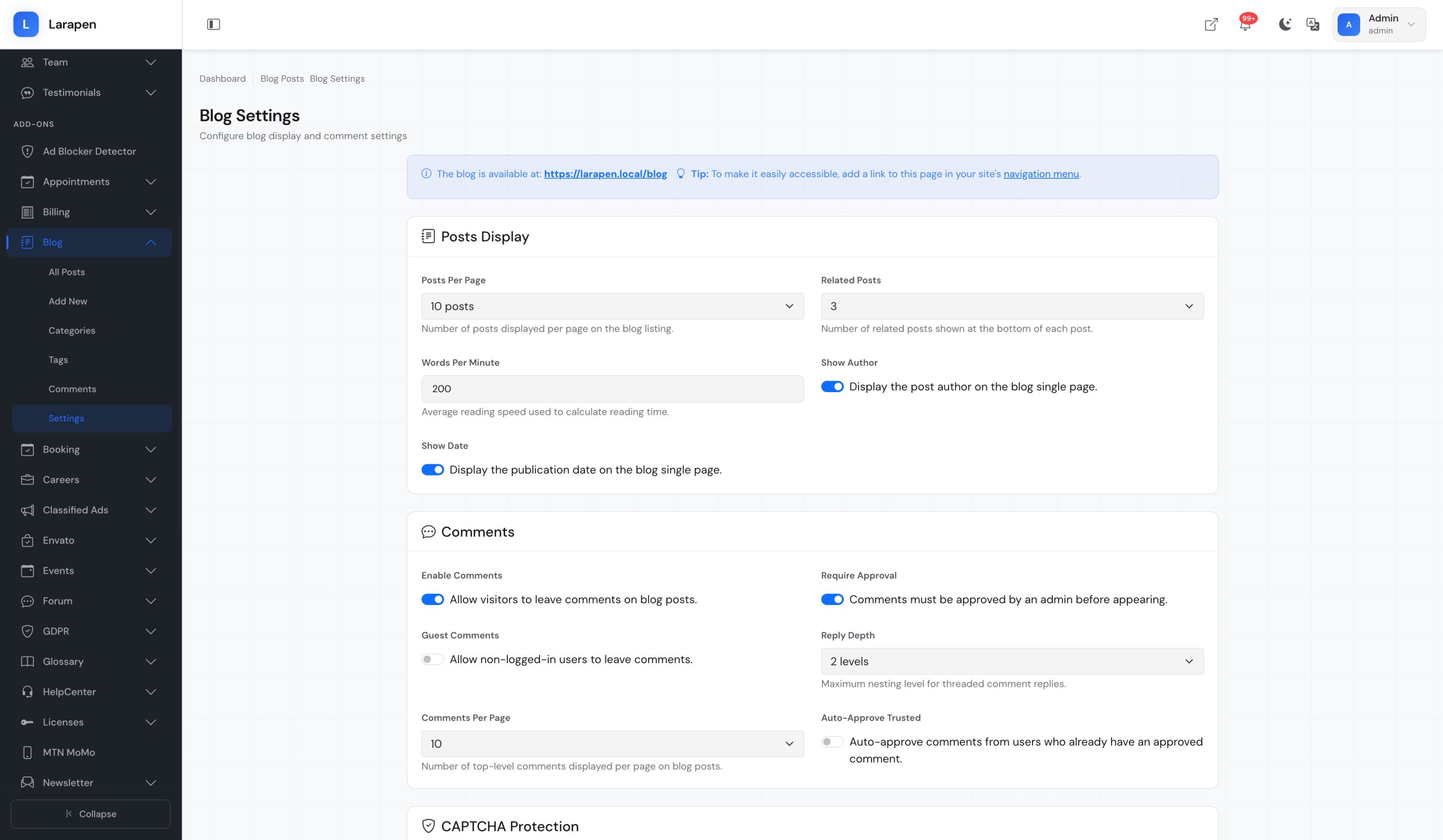
- Comment Moderation: Let readers engage with your content through comments. Approve, reject, or reply from the admin panel.
- SEO Optimized: Custom meta titles, descriptions, and clean slug URLs for every post. Built-in sitemap support and structured data.
- Social Sharing: Built-in social sharing buttons let readers share your articles on their favorite platforms with a single click.
- Multi-Language Support: Publish posts in multiple languages. Titles, content, excerpts, and meta data are all translatable.
Start Blogging in Minutes
- Install & Activate: Upload the Blog add-on to your Larapen installation and activate it from the admin panel. Database tables are created automatically.
- Configure Categories: Set up your blog categories and tags to organize your content structure. Categories support nesting for complex taxonomies.
- Write & Publish: Create your first post with the rich editor, set a featured image, choose a category, and hit publish. Your blog is live.
- Engage & Grow: Monitor comments, track views, share posts on social media, and use SEO tools to grow your audience organically.
Item Support
This item includes 6 months of support from the author. After purchase, contact the author for any help you need with this product.
Get Support
Got Questions?
Frequently Asked Questions About Blog & News for Larapen
Everything you need to know about Blog & News for Larapen before you buy.
While there is no built-in WordPress importer, you can use the admin interface to create posts manually or develop a custom migration script. The blog uses standard Eloquent models, making programmatic imports straightforward.
Yes. The Blog add-on generates an RSS feed automatically at /blog/feed. Search engines and feed readers can discover and subscribe to your content out of the box.
The Blog add-on provides default views that work with any Larapen theme. Themes can override blog views by placing custom templates in their views directory, giving you full control over the blog's appearance.
Yes. Guest commenting is supported, visitors provide their name and email with their comment. You can also require authentication for comments if you prefer. All comments go through moderation before appearing publicly.