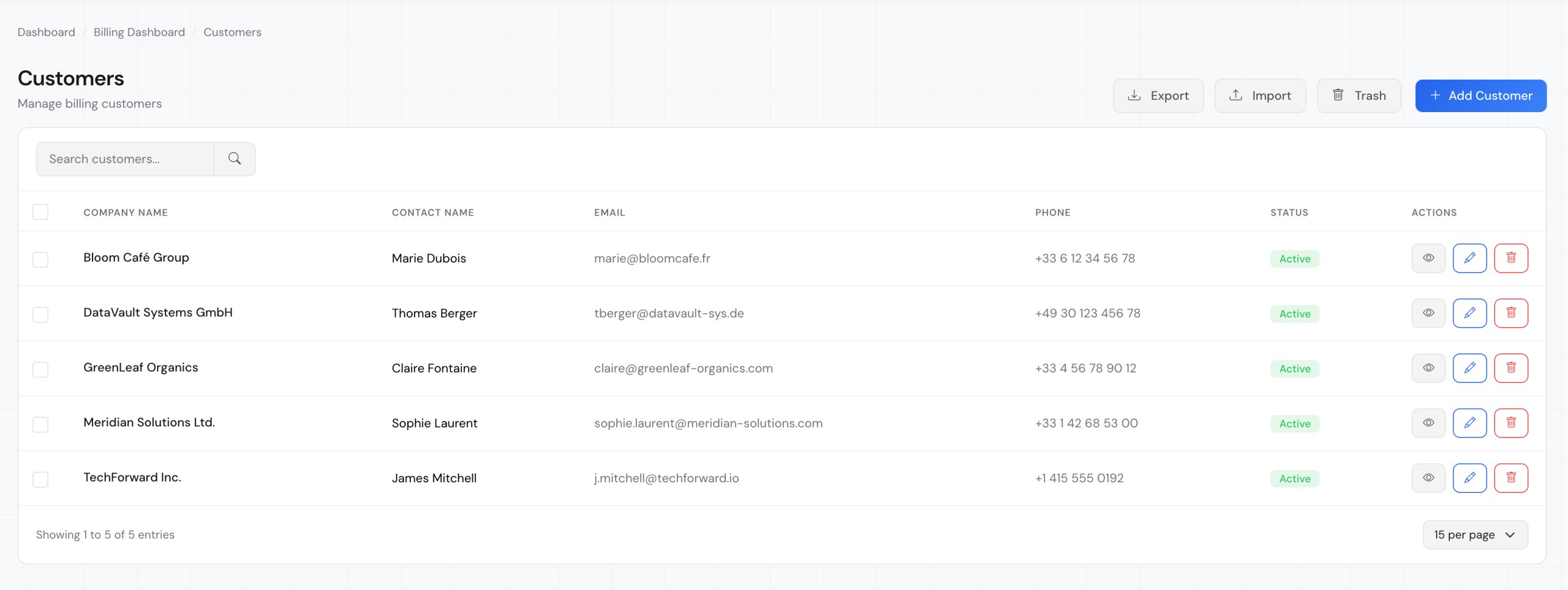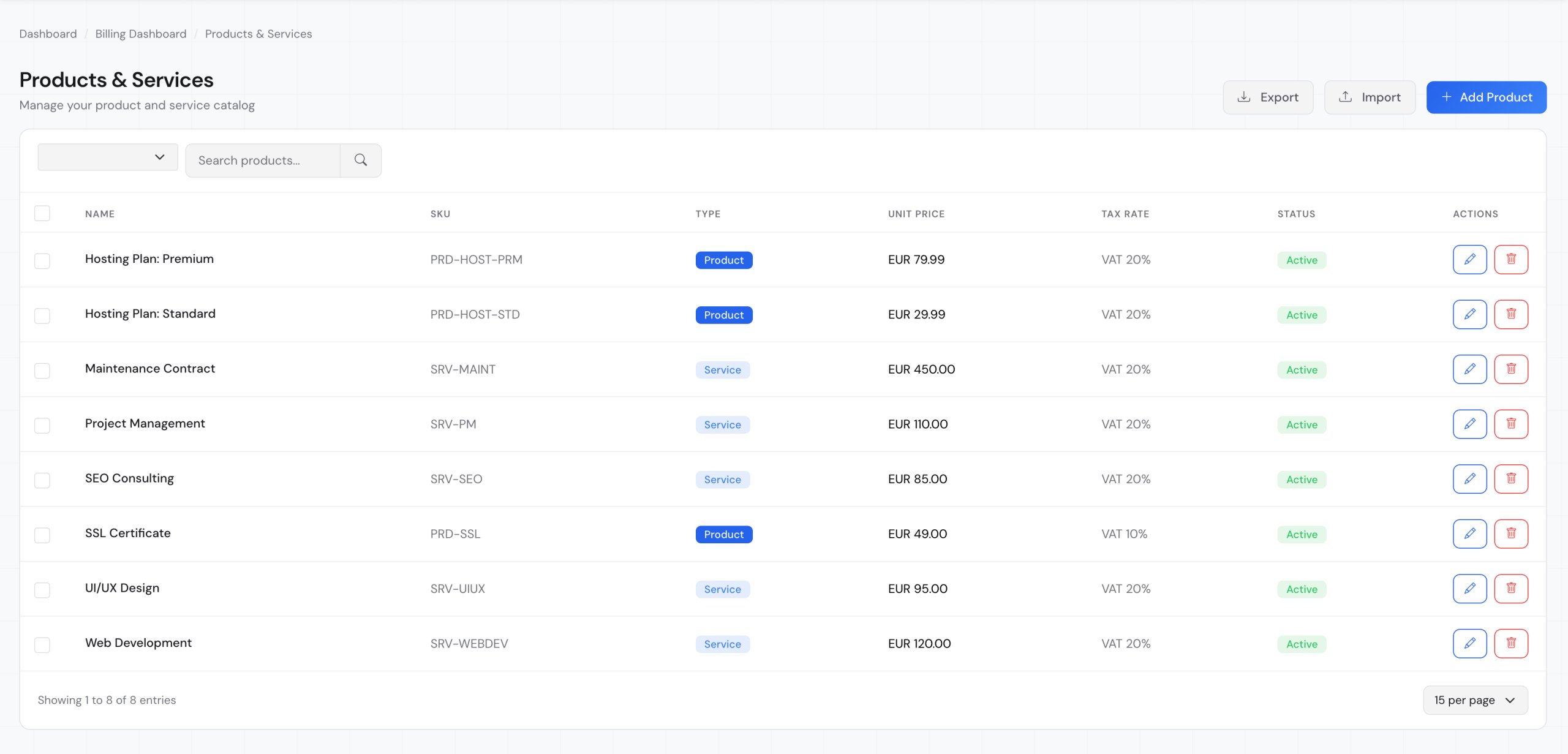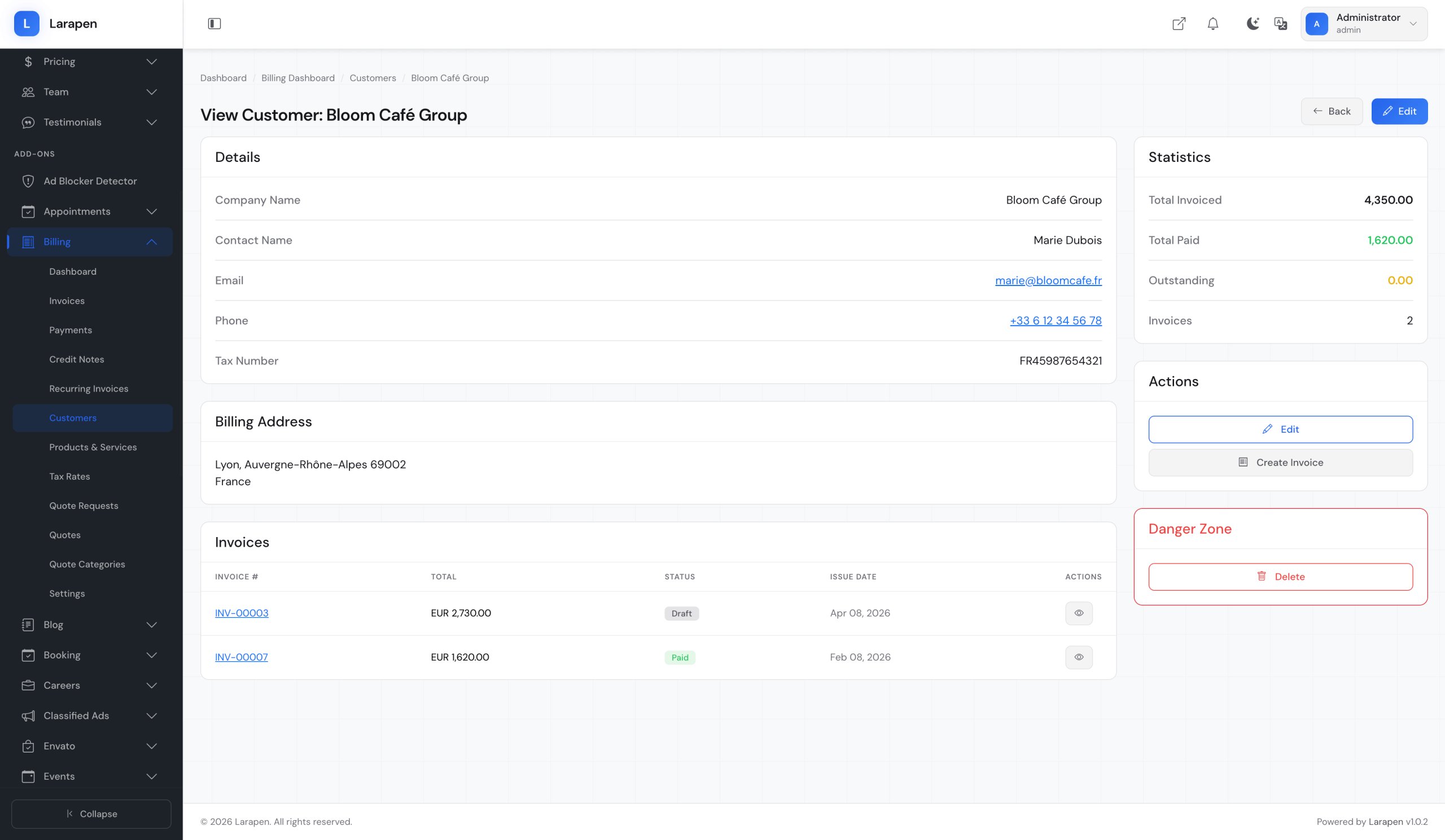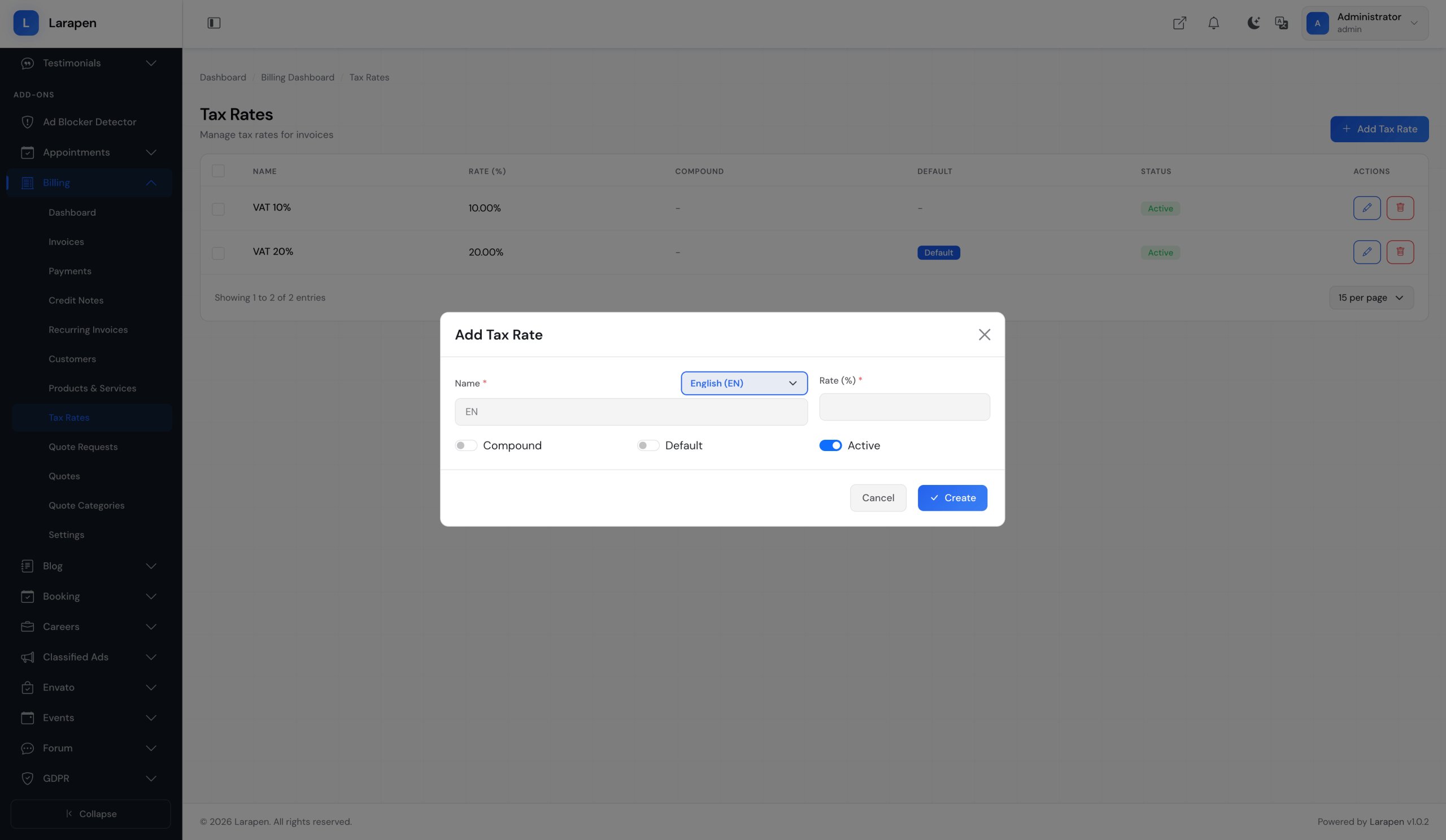



Billing & Invoicing for Larapen
Generate professional invoices and quotes, track payments, and manage your billing. PDF generation, recurring billing, and multi-currency support.
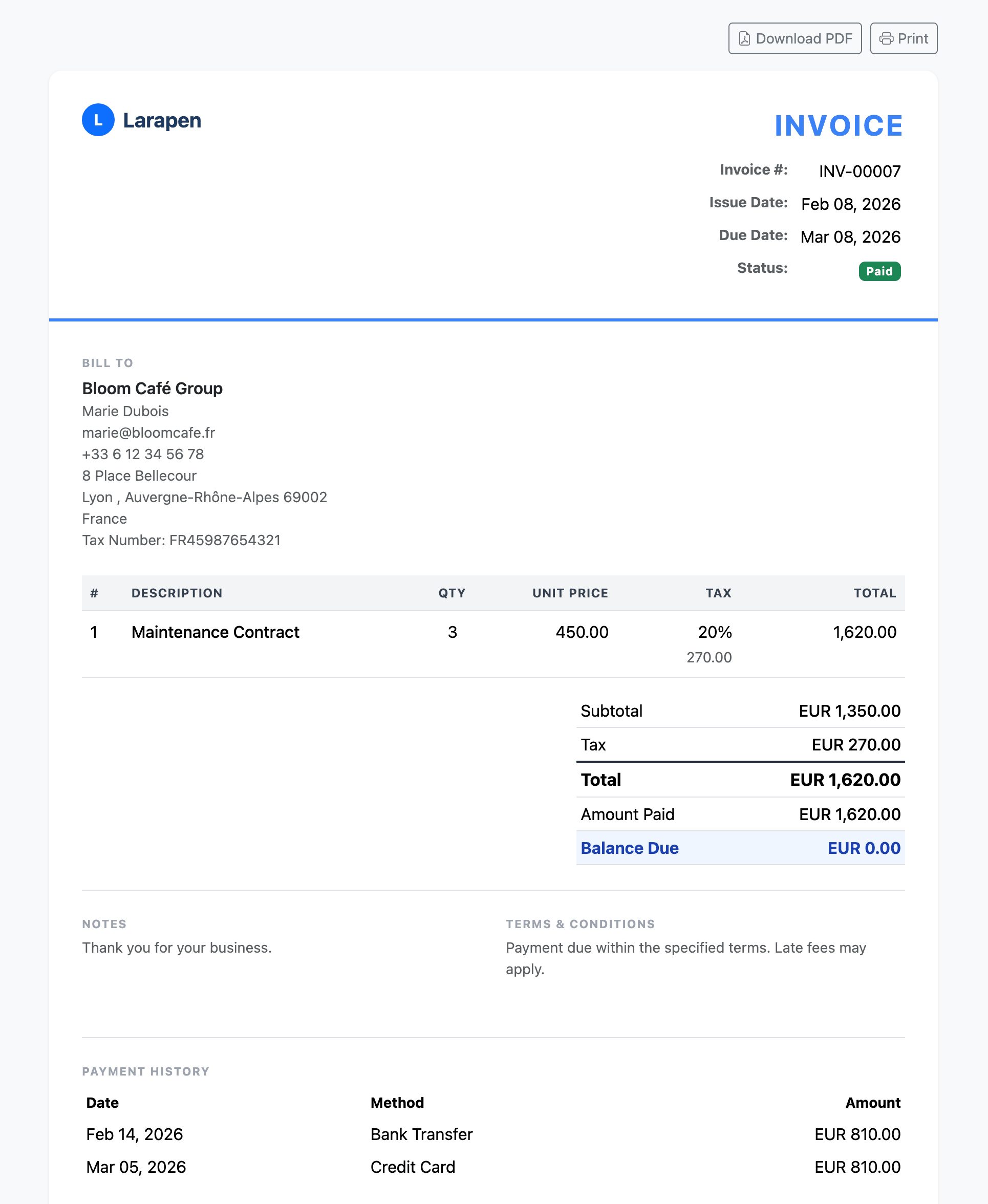
The Billing add-on gives you a complete invoicing system within your Larapen website. Create branded invoices with your company logo, detailed line items, tax calculations, and payment terms. Generate polished PDF documents that you can send directly to clients or let them download from their account.
Quote Requests & Conversion
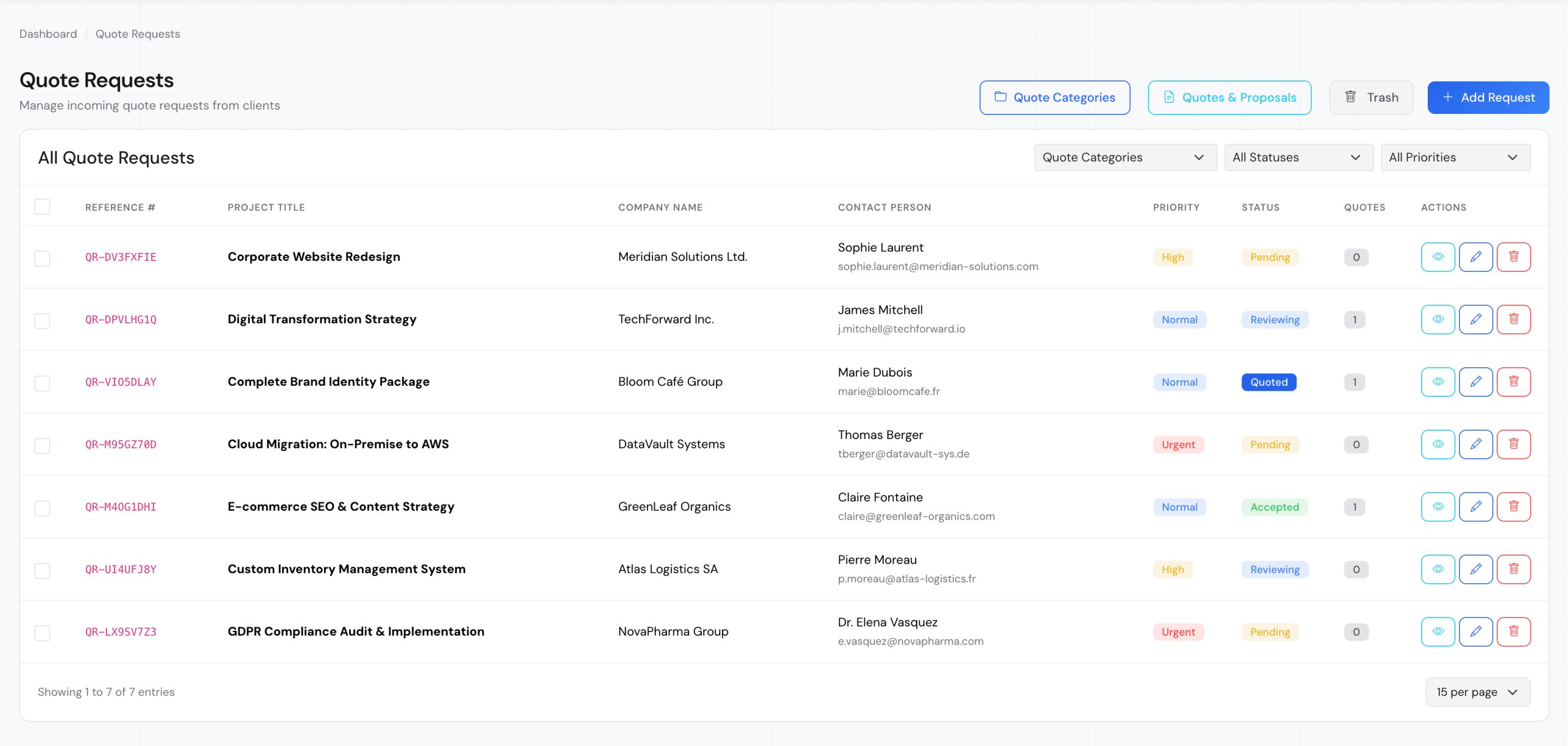
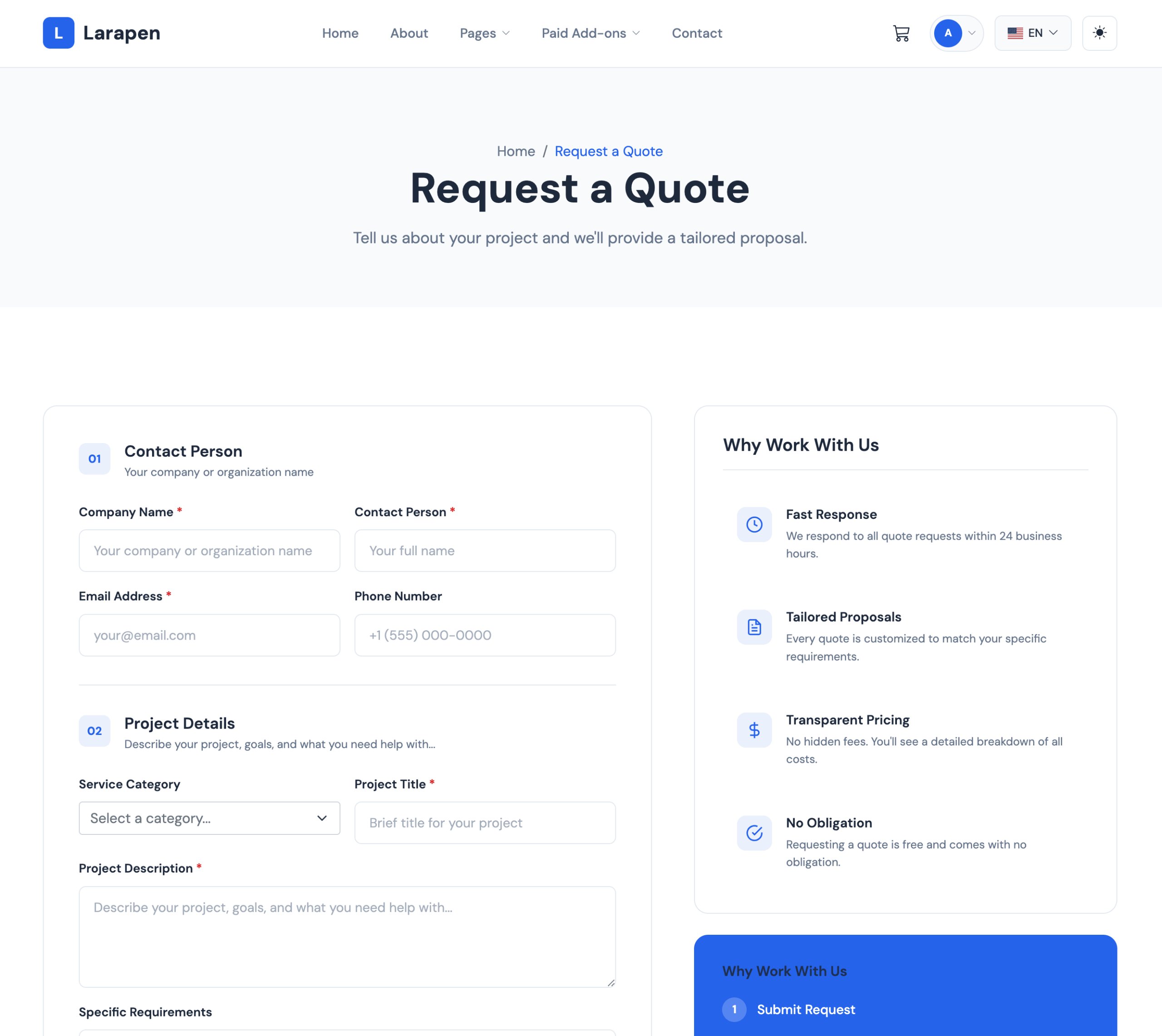
Let potential clients request quotes through your website. Review requests, prepare detailed quotes, and convert accepted quotes into invoices with a single click. Track the entire pipeline from inquiry to payment, giving you clear visibility into your revenue stream.
Complete Financial Management
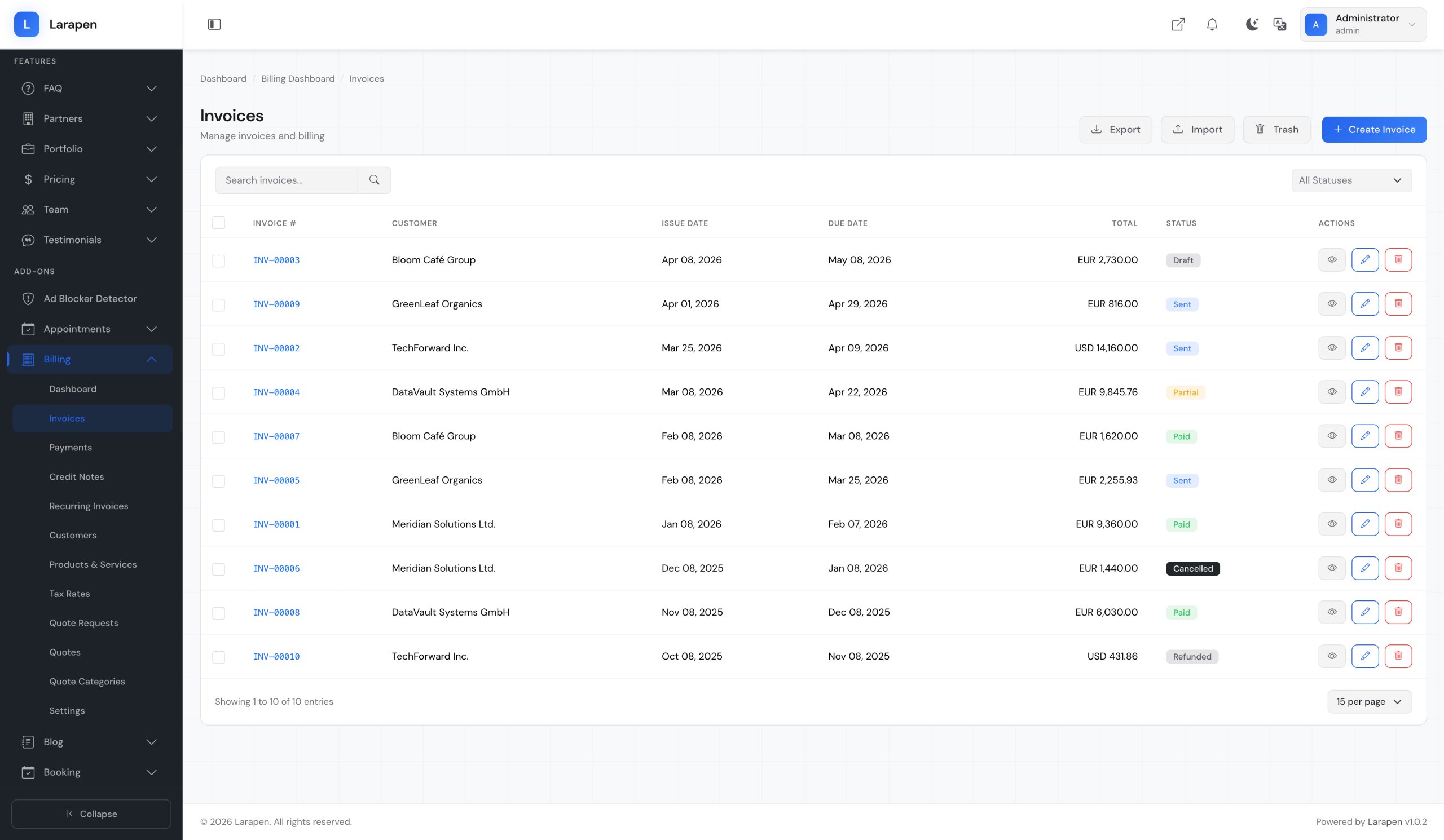
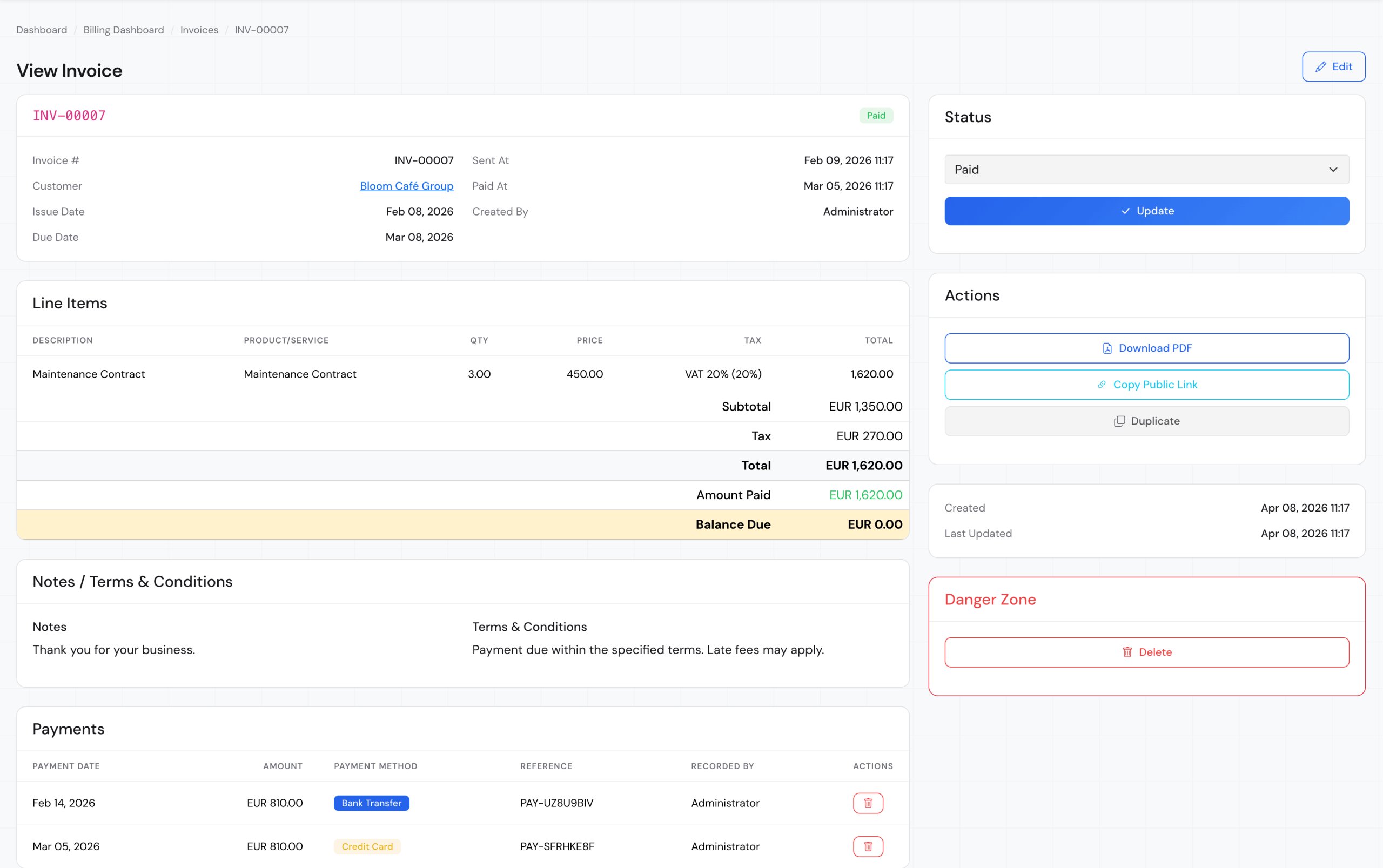
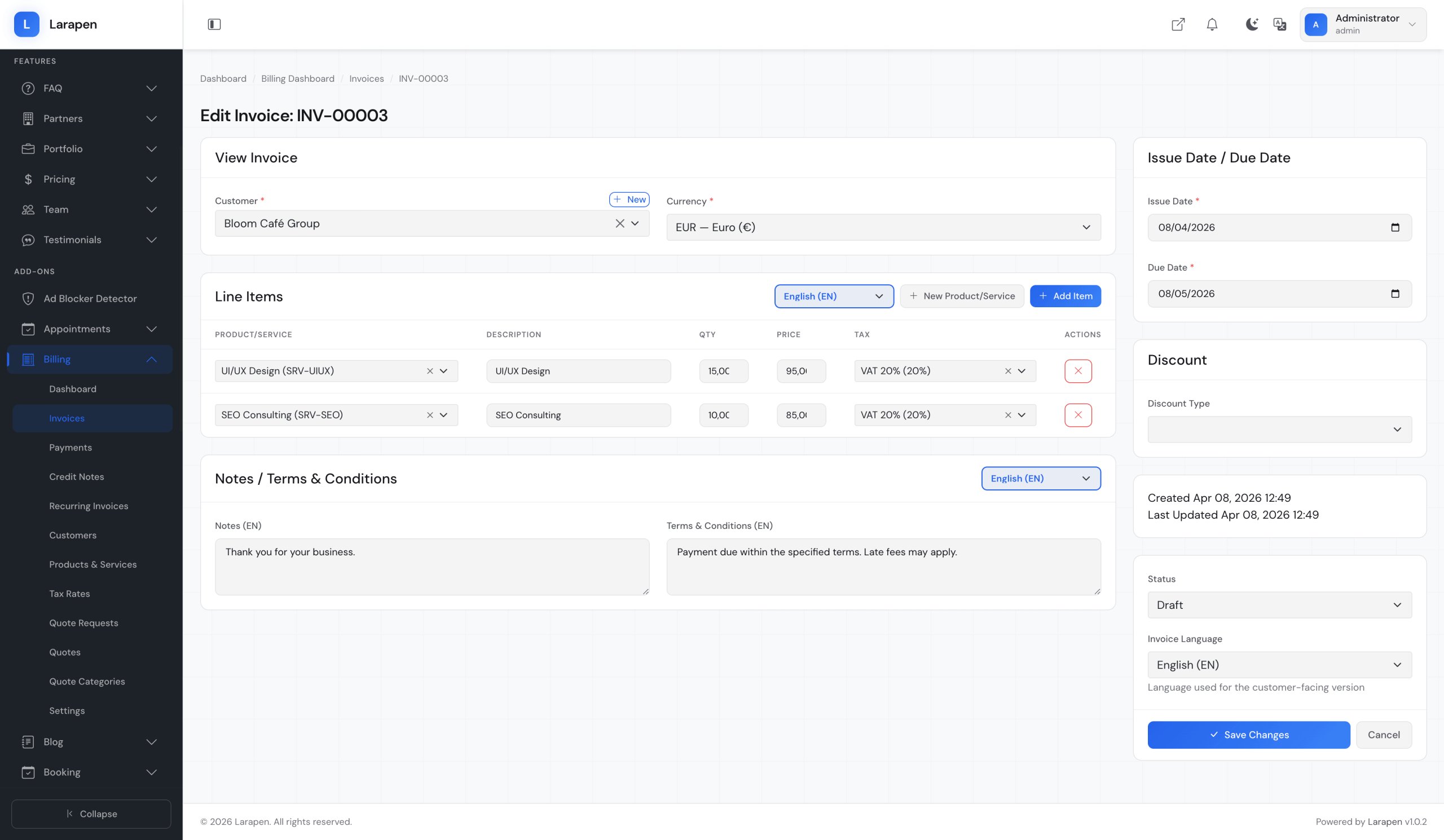
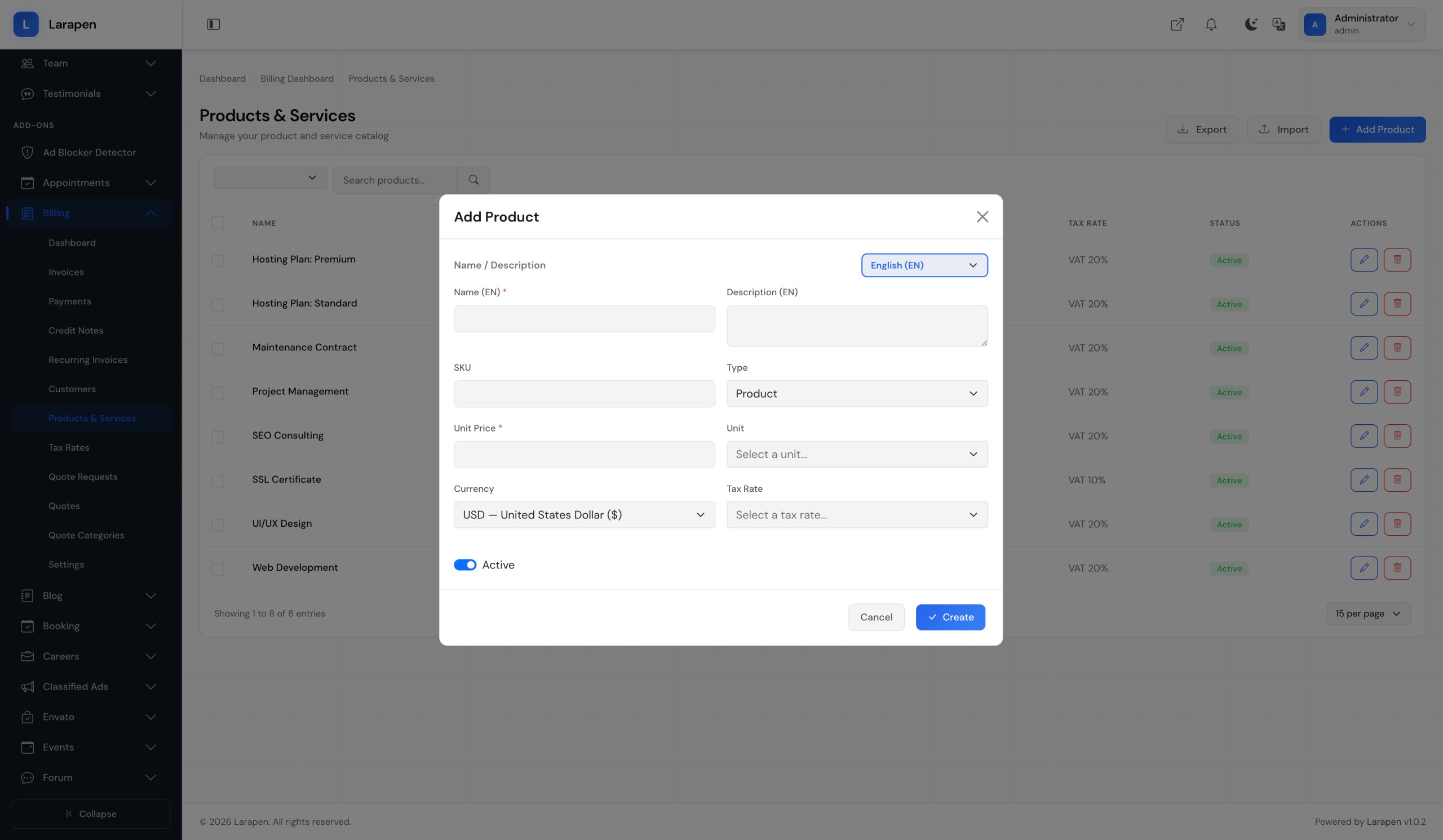
- Invoice Generation: Create detailed invoices with line items, quantities, tax rates, discounts, and customizable payment terms.
- Quote Management: Receive quote requests, prepare proposals, and convert approved quotes into invoices seamlessly.
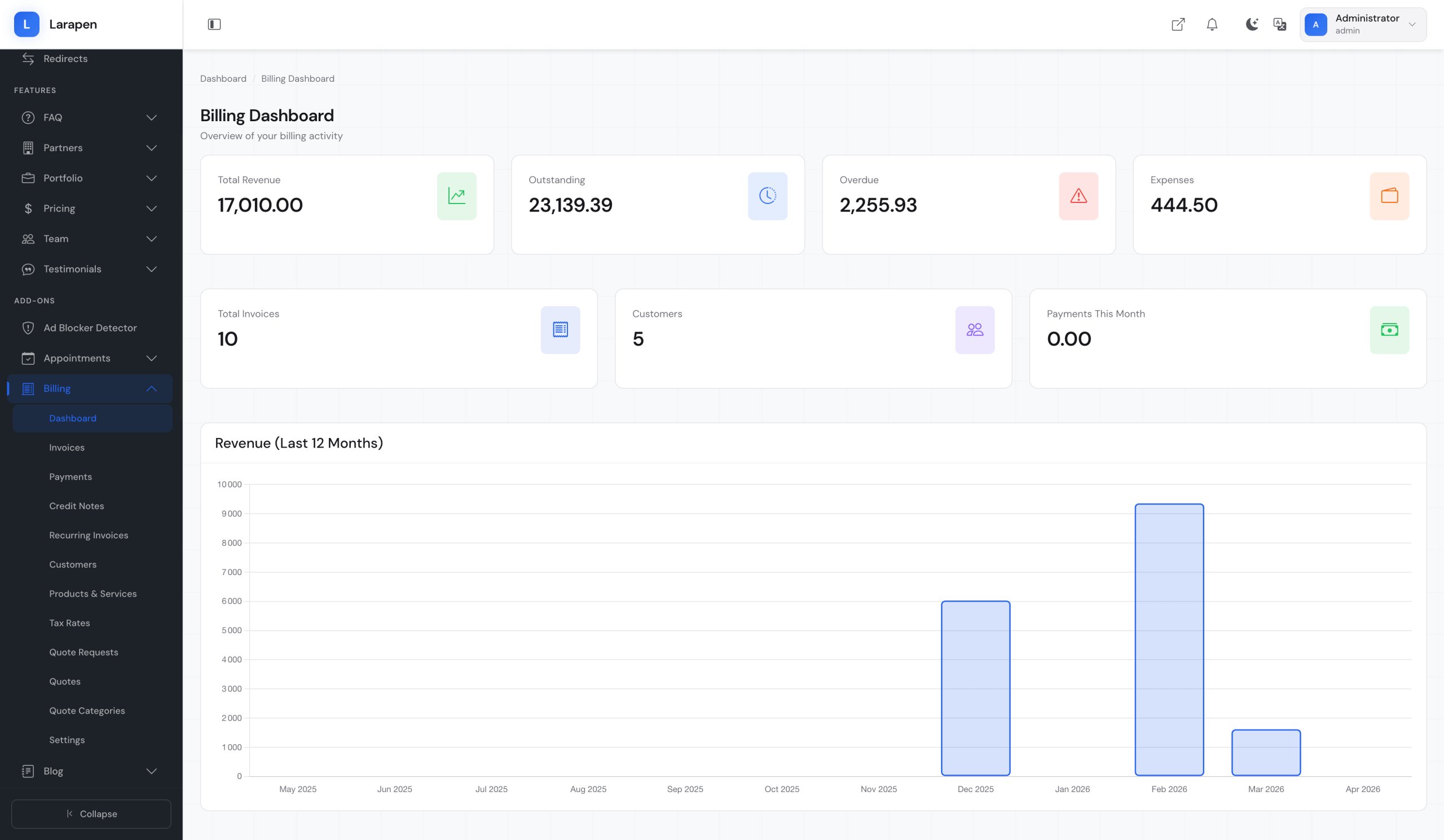
- Payment Tracking: Track payment status for every invoice: pending, paid, partially paid, or overdue. Get a clear financial overview.
- PDF Generation: Generate professional PDF invoices and quotes with your branding. Download, email, or let clients access them online.
- Recurring Billing: Set up recurring invoices for subscription-based services. Invoices are generated and sent automatically on schedule.
- Multi-Currency: Create invoices in different currencies for international clients. Exchange rates can be configured per invoice.
Start Invoicing in Minutes
- Install & Activate: Upload the Billing add-on and activate it. Invoice and quote tables are created automatically.
- Configure Settings: Set your company details, logo, default currency, tax rates, and payment terms from the admin panel.
- Create & Send: Create invoices or quotes, generate PDFs, and send them to clients by email or share download links.
- Track Payments: Monitor payment status, send reminders for overdue invoices, and keep your financial records organized.
Item Support
This item includes 6 months of support from the author. After purchase, contact the author for any help you need with this product.
Get Support
Got Questions?
Frequently Asked Questions About Billing & Invoicing for Larapen
Everything you need to know about Billing & Invoicing for Larapen before you buy.
Yes. When a payment gateway add-on (Stripe, PayPal) is installed, clients can pay invoices directly through a secure payment link included in the invoice email or accessible from their account.
Yes. Invoice templates are Blade views that you can customize to match your brand. Add your logo, adjust the layout, and modify colors and fonts through the admin settings or by editing the template files directly.
Yes. You can configure multiple tax rates and apply them per line item or globally. The system calculates subtotals, tax amounts, and totals automatically. Tax settings can be customized per client or region.