

Webmail Client Add-on
A built-in email client for your admin panel. Read, compose, reply, and manage emails from multiple accounts without leaving your Larapen dashboard.
Your Inbox, Inside Your Admin Panel
Switching between your website admin and email client breaks your workflow. The Webmail add-on brings your email directly into the Larapen admin panel, so you can read and respond to customer inquiries, vendor communications, and team messages without opening another tab. It connects to any standard IMAP/SMTP email server: Gmail, Outlook, your hosting provider's mail, or any custom mail server. All your email, accessible from the same interface where you manage your site.
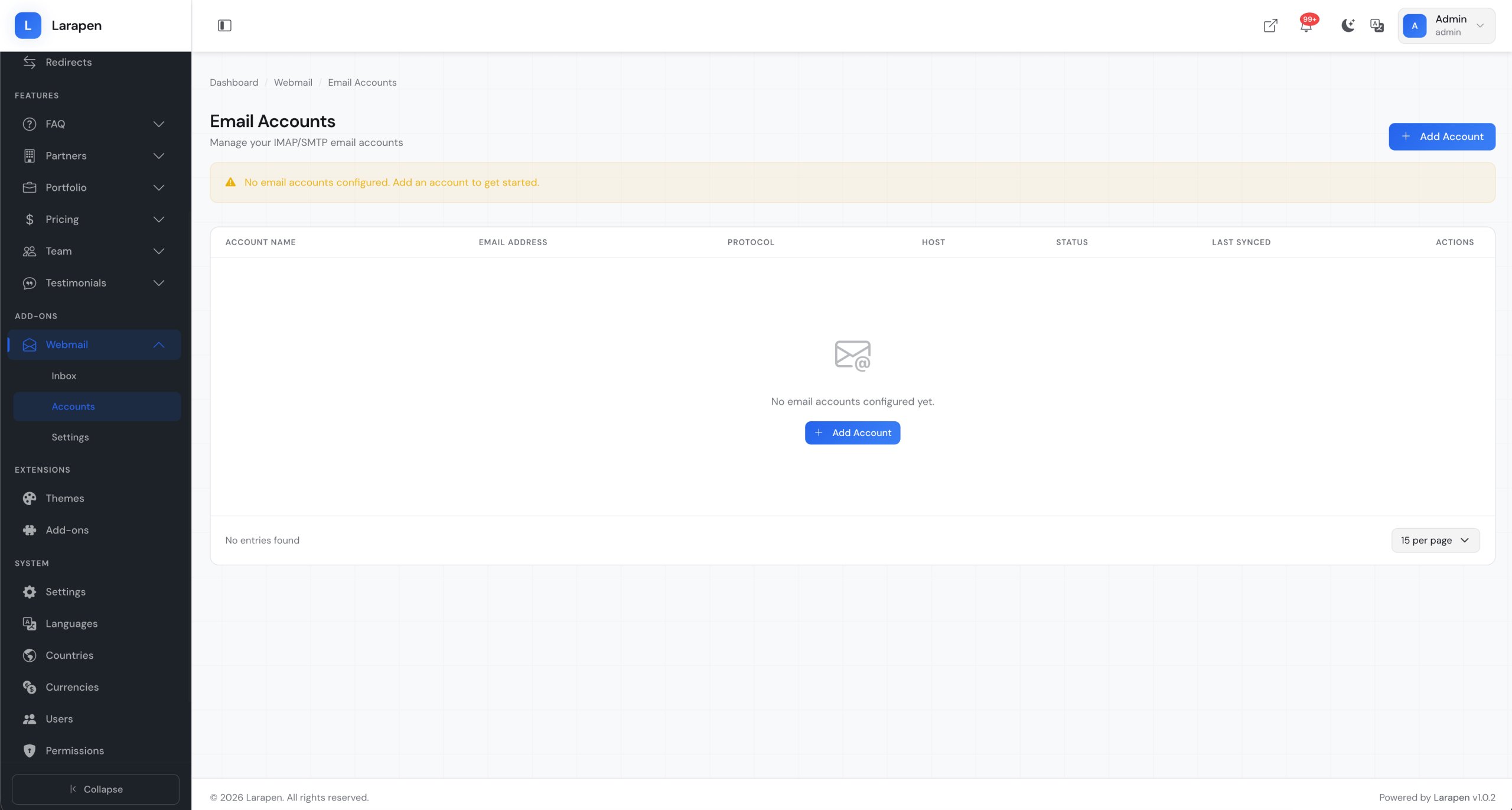
Multiple Accounts, One Interface
Many businesses use separate email addresses for sales, support, billing, and personal communication. The Webmail add-on supports multiple email accounts, each with its own IMAP/SMTP credentials. Switch between accounts with a single click, and see unified notifications across all inboxes. Compose new emails, reply, forward, manage attachments, organize with folders, and search across messages; all the essential email operations, right where you already work.
Full-Featured Email Client
We provide comprehensive services to help your business thrive in the digital world.
IMAP & SMTP Support
Connect to any email provider that supports IMAP for reading and SMTP for sending. Gmail, Outlook, Yahoo, custom mail servers; if it speaks IMAP, it works.
Compose, Reply & Forward
A clean email composer with rich text formatting, inline images, and CC/BCC support. Reply to and forward messages with full conversation threading preserved.
File Attachments
Attach files to outgoing emails and download attachments from incoming messages. Preview common file types (images, PDFs) directly in the interface without downloading.
Folder Management
Browse and manage IMAP folders: Inbox, Sent, Drafts, Trash, Spam, and custom folders. Move messages between folders, create new folders, and keep your mail organized.
Full-Text Search
Search across subjects, senders, recipients, and message bodies to find any email quickly. Filter by date range, folder, read/unread status, and attachment presence.
Multi-Account Support
Add and manage multiple email accounts from a single interface. Each account has its own credentials, folders, and settings. Switch between accounts instantly with a sidebar selector.
How It Works
Add Your Email Account
Enter your IMAP and SMTP server details, port numbers, and credentials. For popular providers like Gmail and Outlook, the add-on can auto-detect server settings to simplify setup.
Browse Your Inbox
Once connected, your emails appear in the admin panel. Browse folders, read messages, preview attachments, and see conversation threads; all without leaving your admin dashboard.
Compose & Respond
Reply to customer emails, compose new messages, and forward information to your team; all from your admin panel. Attachments, CC/BCC, and rich formatting are fully supported.
Frequently Asked Questions
Ready to Manage Email from Your Dashboard?
Stop switching between tabs. Get the Webmail add-on and handle all your email communication from one place.