

Point of Sale (POS) Add-on
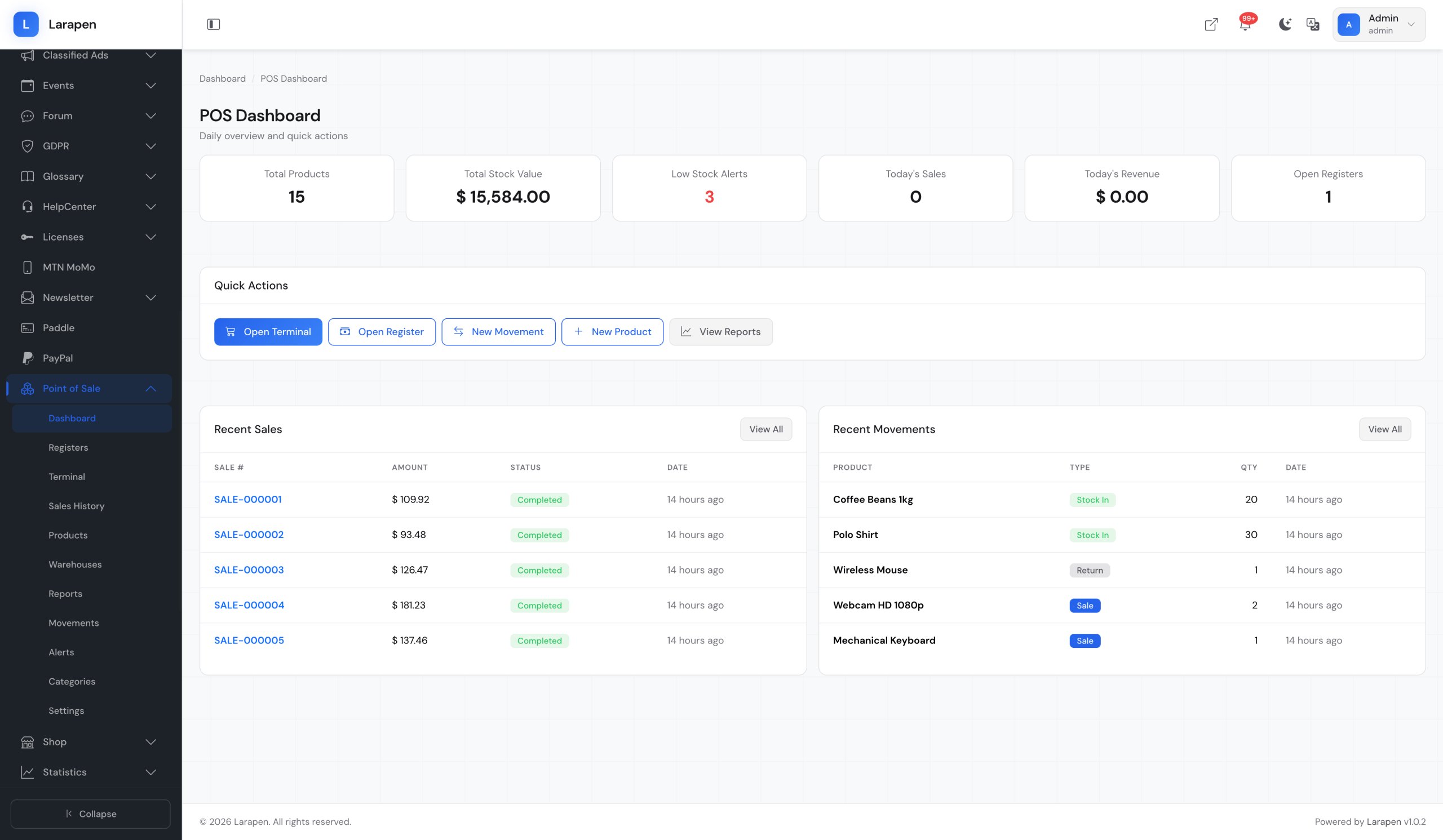
Manage in-store sales, inventory, and cash register sessions from your Larapen admin panel. Product scanning, stock movements, receipts, and daily reports in one place.
Bridge Your Online and In-Store Operations
If you sell products online through the Shop add-on, you likely also have physical sales channels: a retail store, a market stall, or a pop-up shop. The POS add-on bridges both worlds by sharing the same product catalog and inventory. When a product sells in-store, your online stock updates automatically. When an online order ships, the POS system reflects the change. No more spreadsheets, no more manual inventory counts, no more overselling. One platform for all your sales channels.
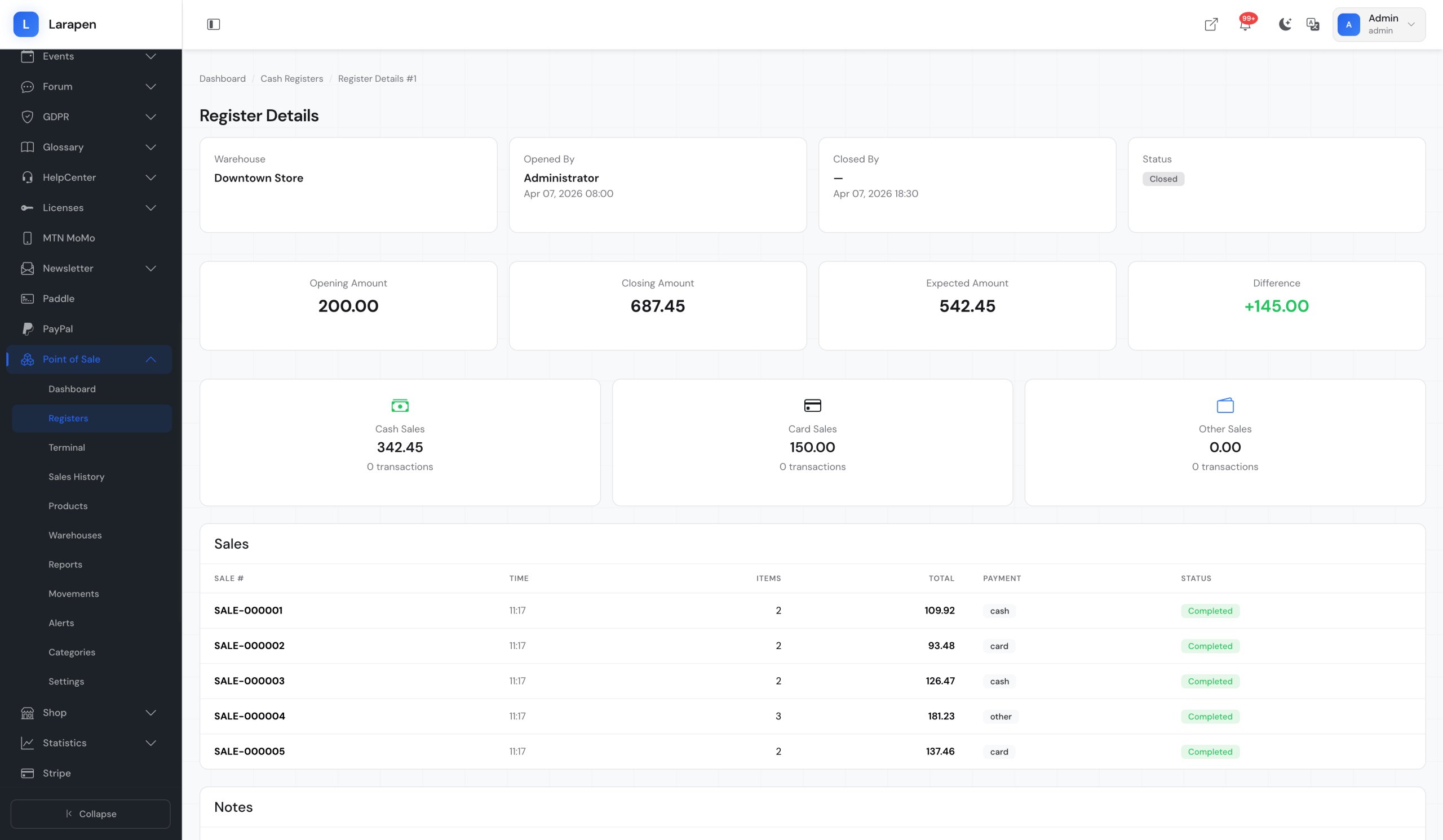
Complete Register Sessions and Accountability
Every shift starts with opening a cash register session, recording the starting cash amount. Throughout the session, each sale, payment method (cash, card, mobile money), and transaction is logged. When the shift ends, the cashier closes the session, and the system compares expected vs. actual cash to identify discrepancies. Daily and weekly reports give you full visibility into sales performance, average transaction values, payment method breakdowns, and cashier productivity.
Everything for In-Store Operations
We provide comprehensive services to help your business thrive in the digital world.
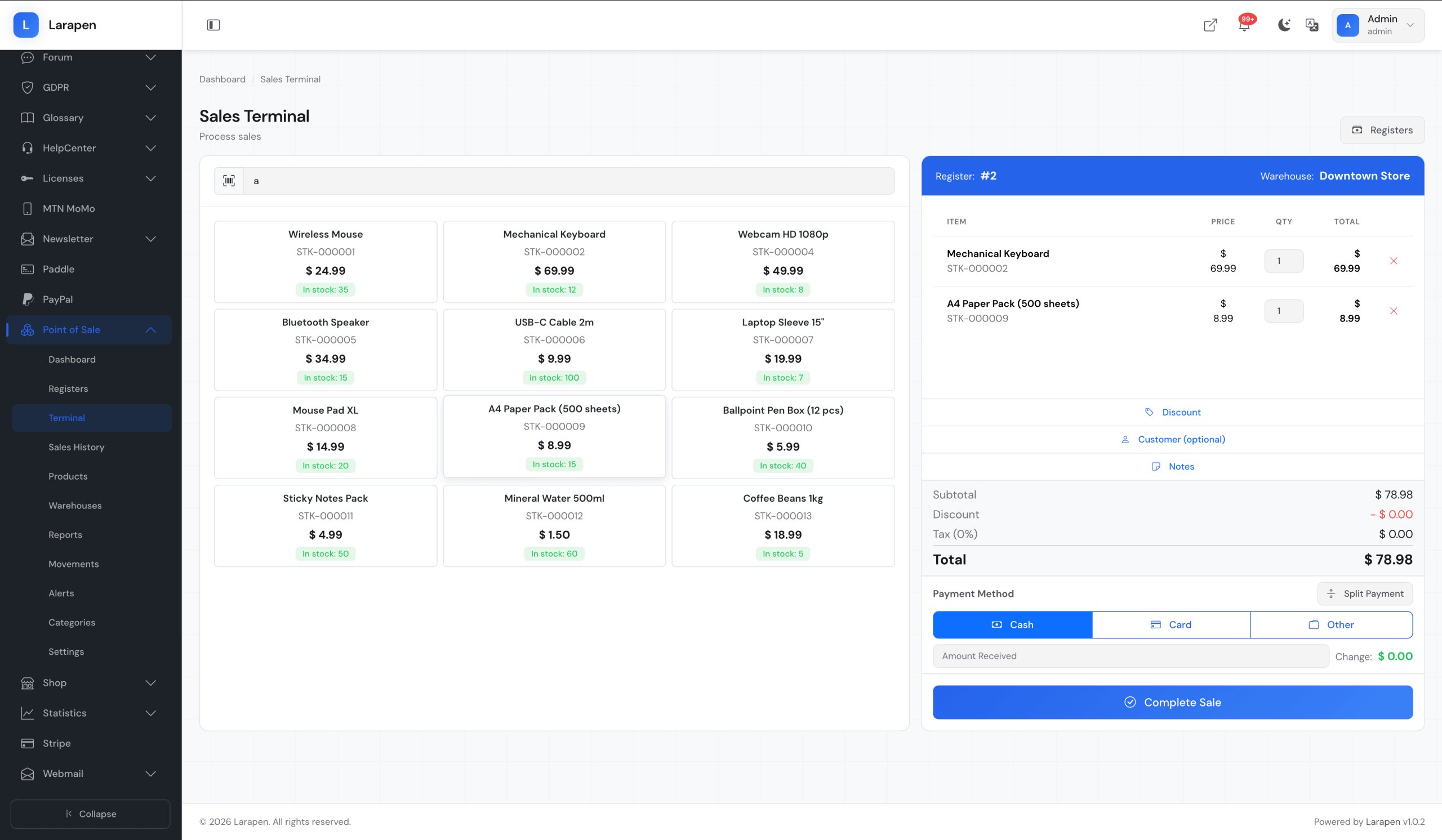
Product Scanning
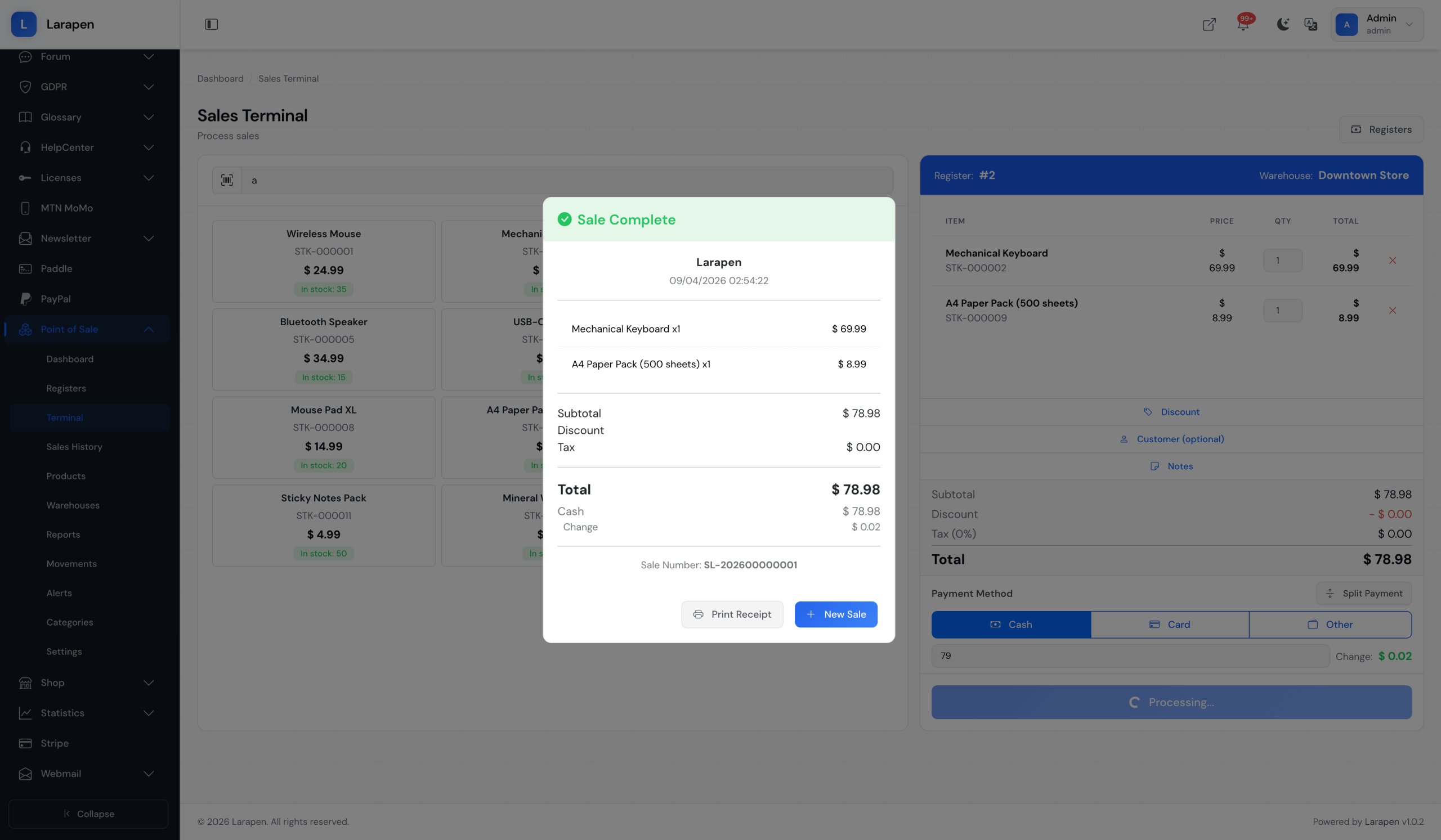
Scan product barcodes or search by name/SKU to add items to the sale. The POS interface is optimized for speed: add products, adjust quantities, and apply discounts in seconds.
Cash Register Sessions
Open and close shifts with starting and ending cash counts. Track all transactions per session. End-of-day reports compare expected vs. actual amounts to ensure cash accountability.
Stock Management
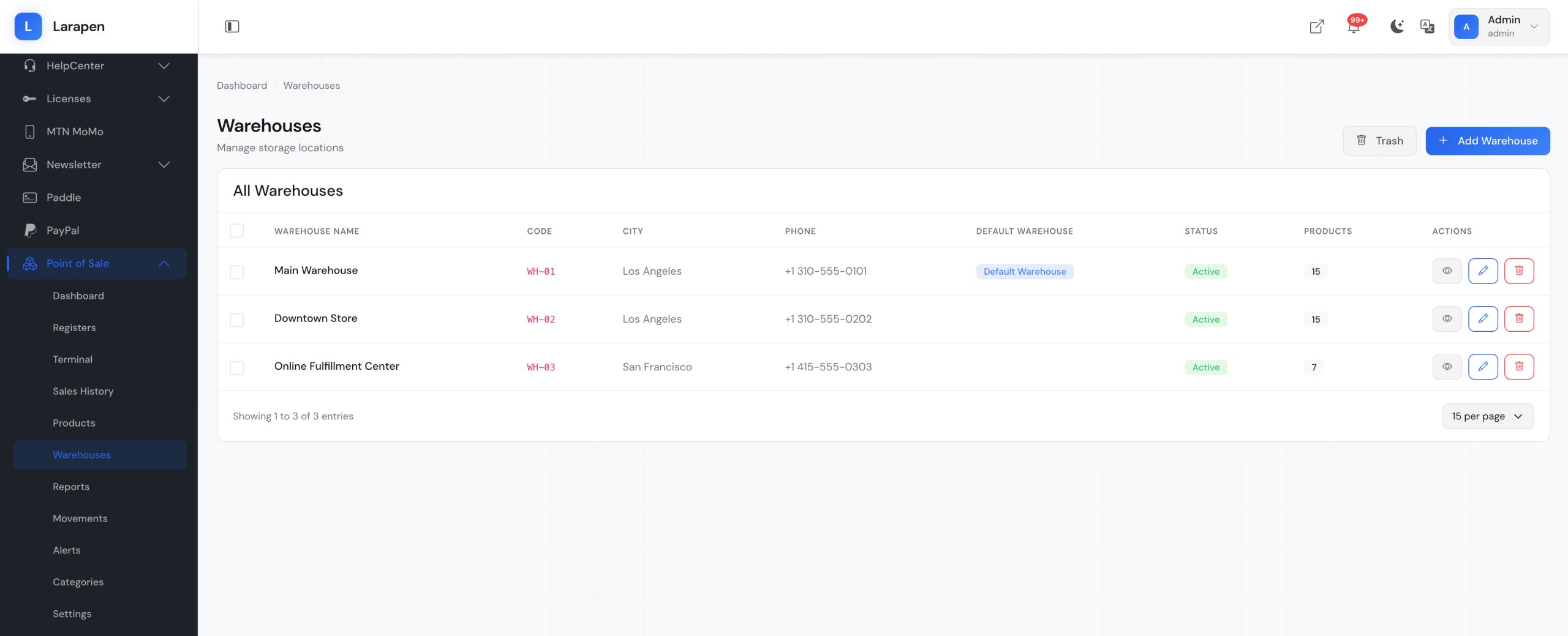
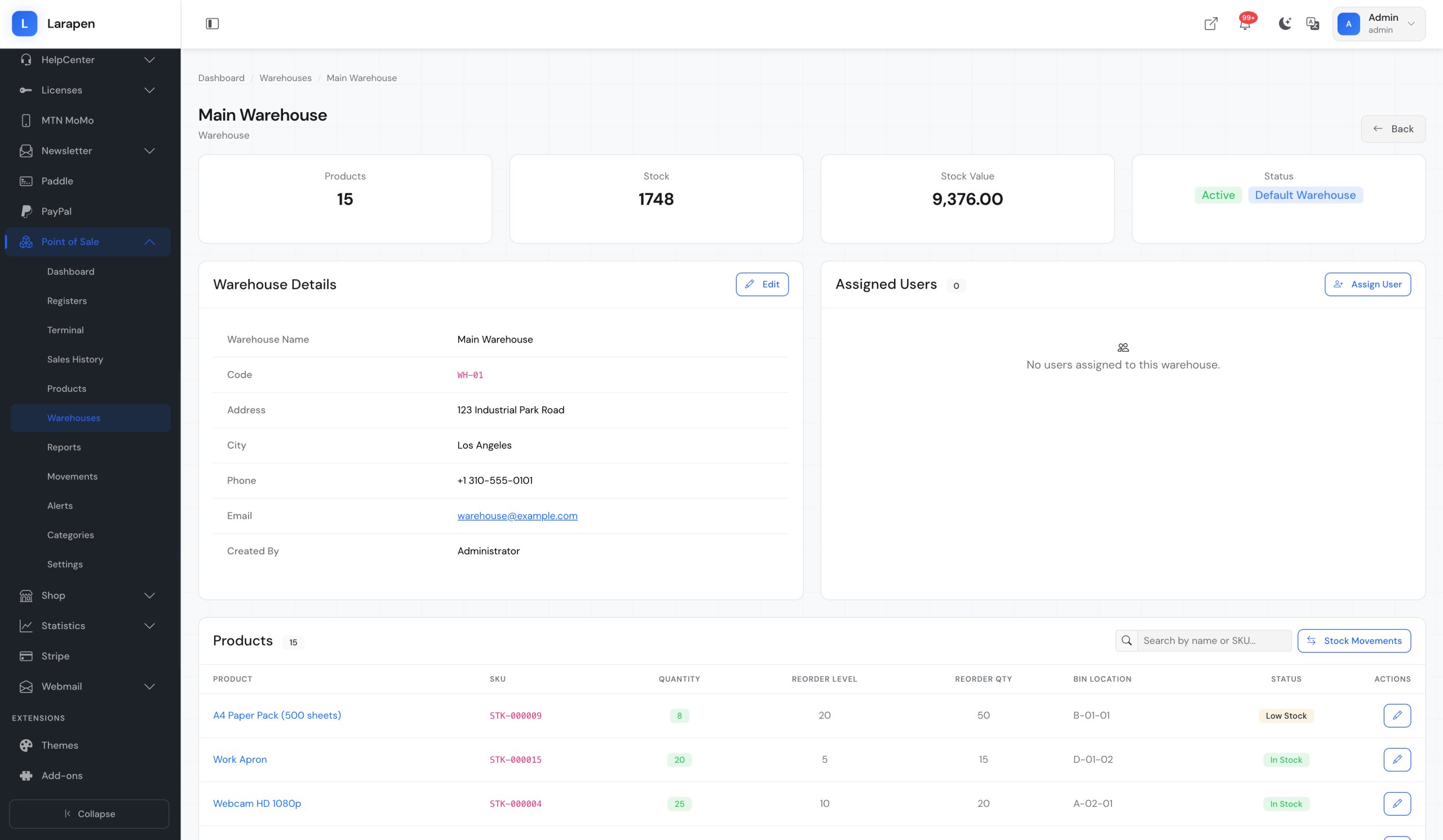
Real-time inventory tracking across online and in-store channels. Receive stock, perform stock adjustments, and transfer inventory between locations; all tracked with full audit history.
Movement Tracking
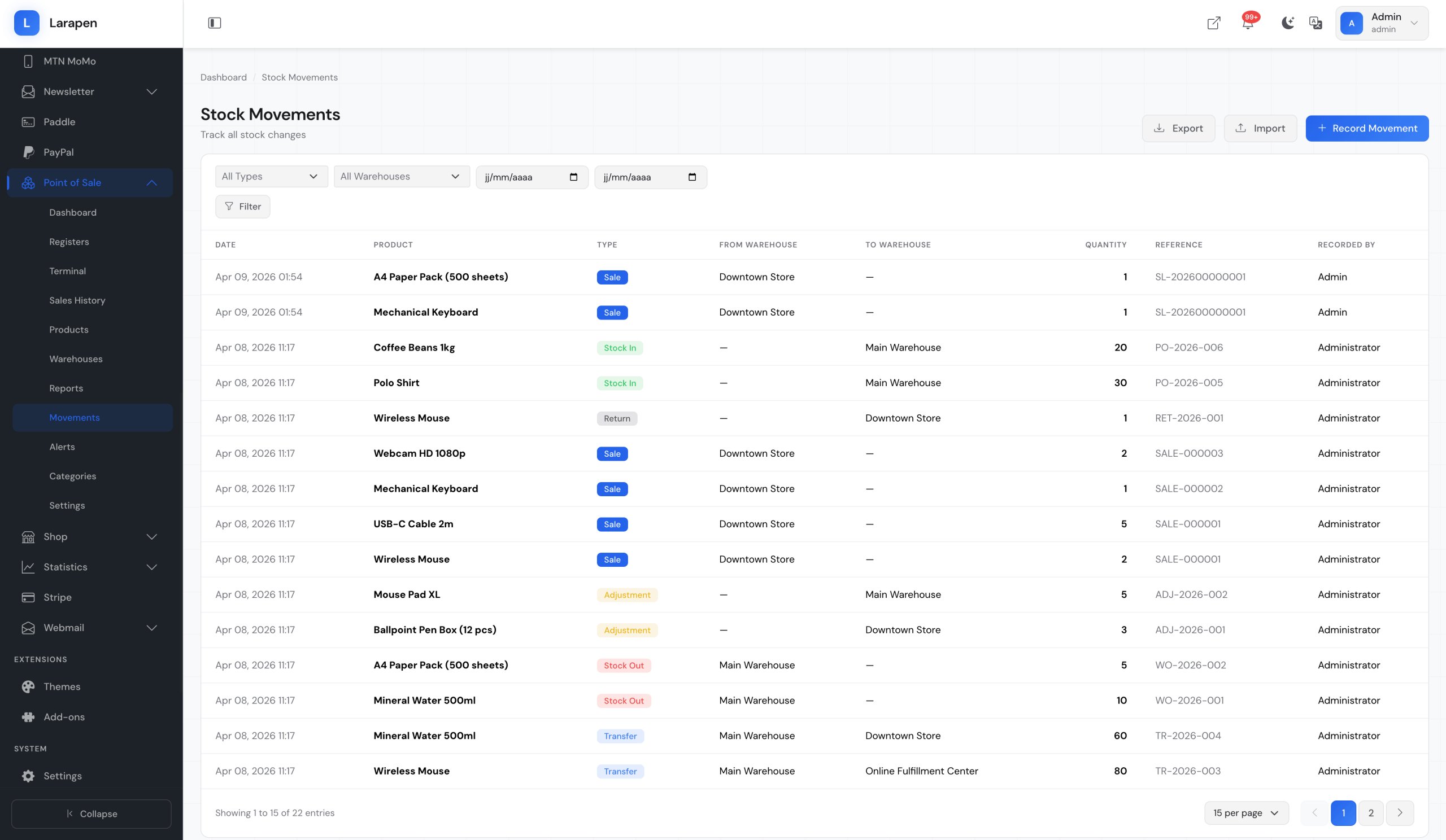
Every stock change: sales, returns, adjustments, receiving, transfers; is recorded as a movement with reason, quantity, reference, and timestamp. Full traceability for every unit.
Receipt Printing
Generate thermal-printer-compatible receipts with your business name, transaction details, payment method, and optional QR code. Also supports email receipts for paperless transactions.
Reports & Low-Stock Alerts
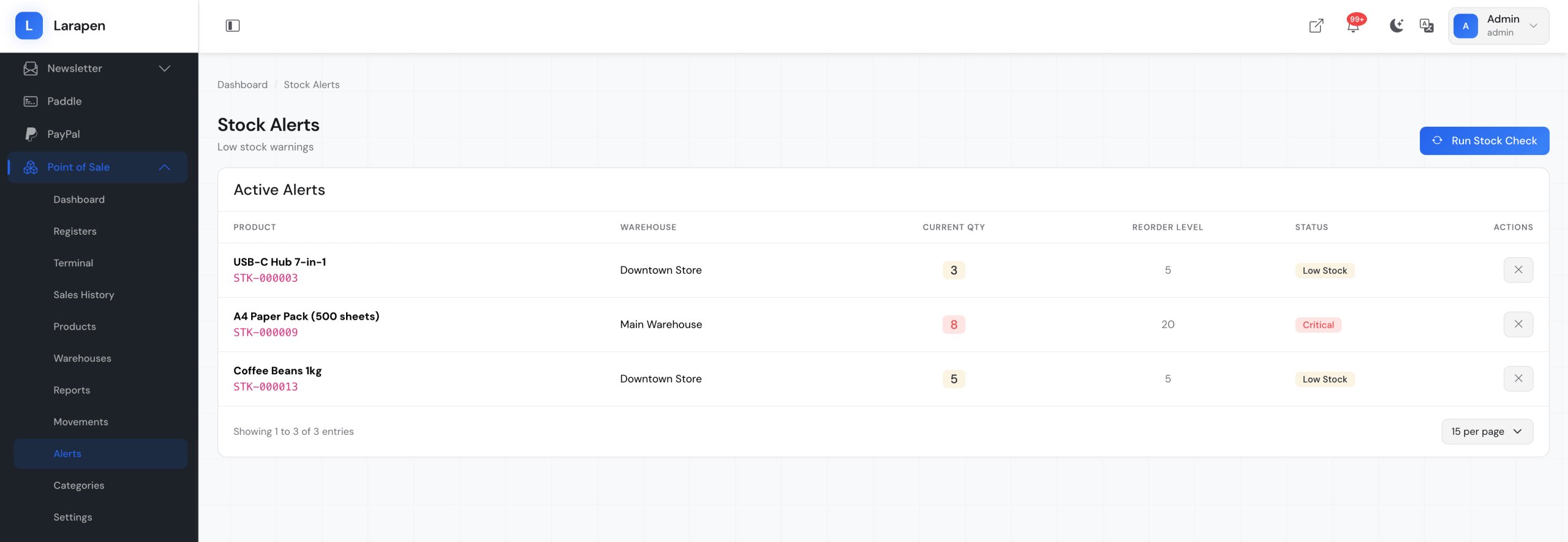
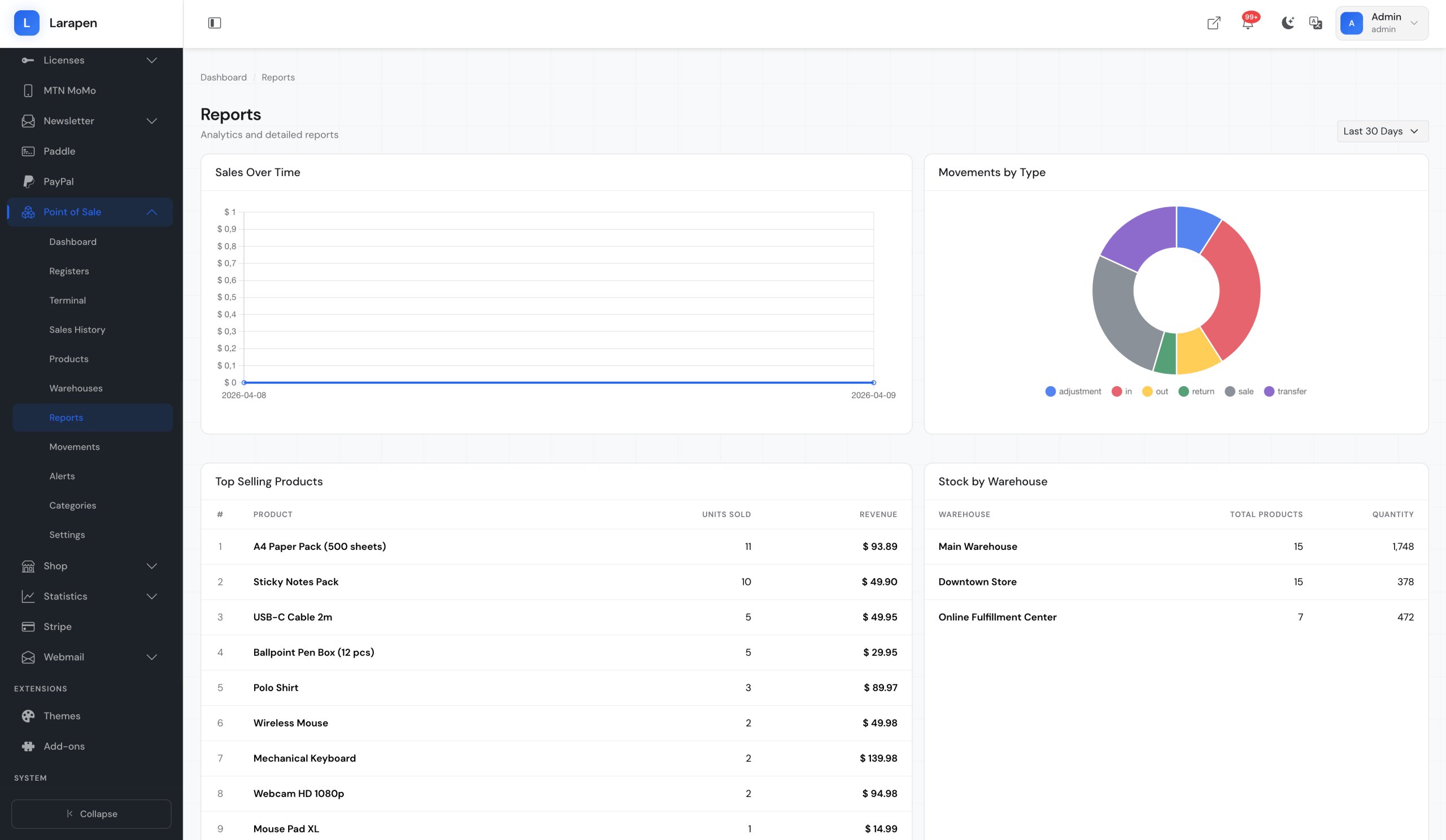
Daily sales summaries, product performance reports, cashier reports, and payment method breakdowns. Configure low-stock thresholds to receive alerts when products need reordering.
Screenshots
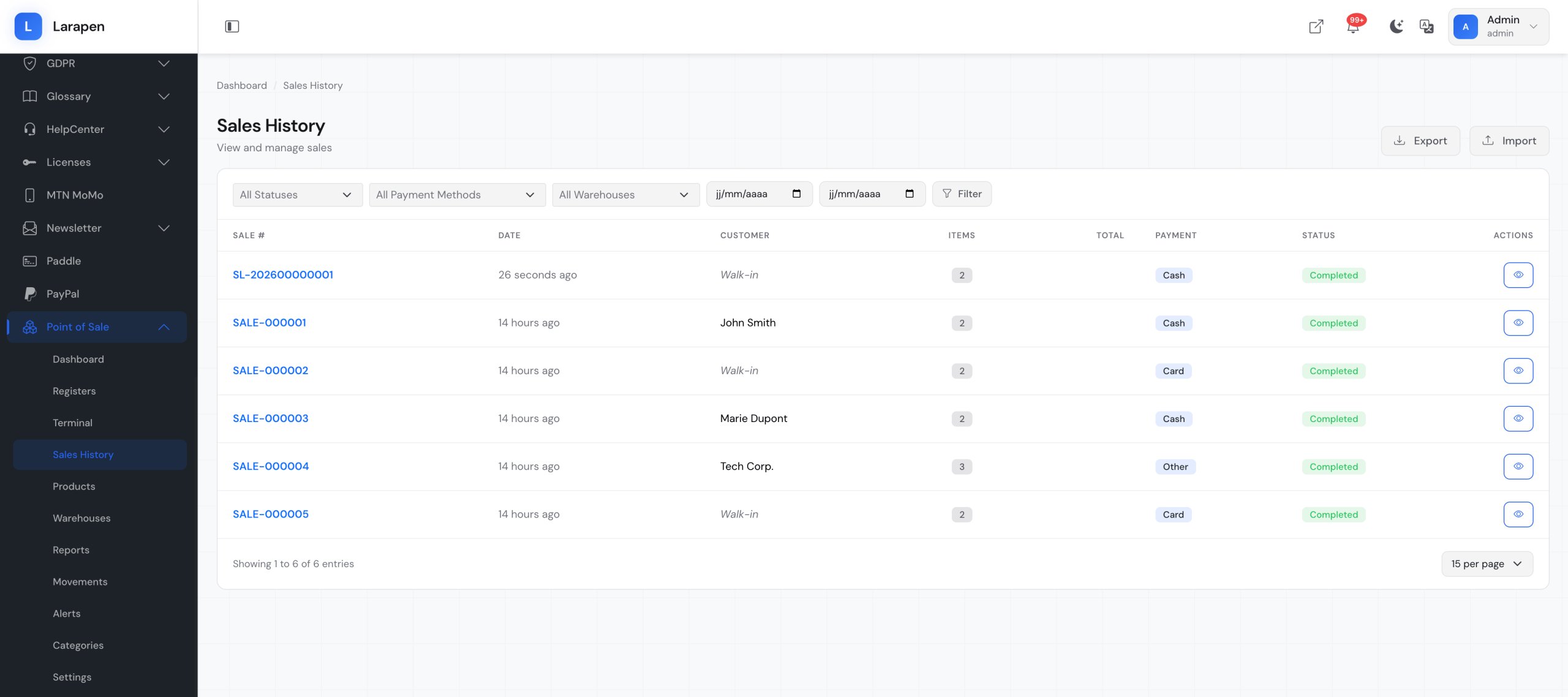
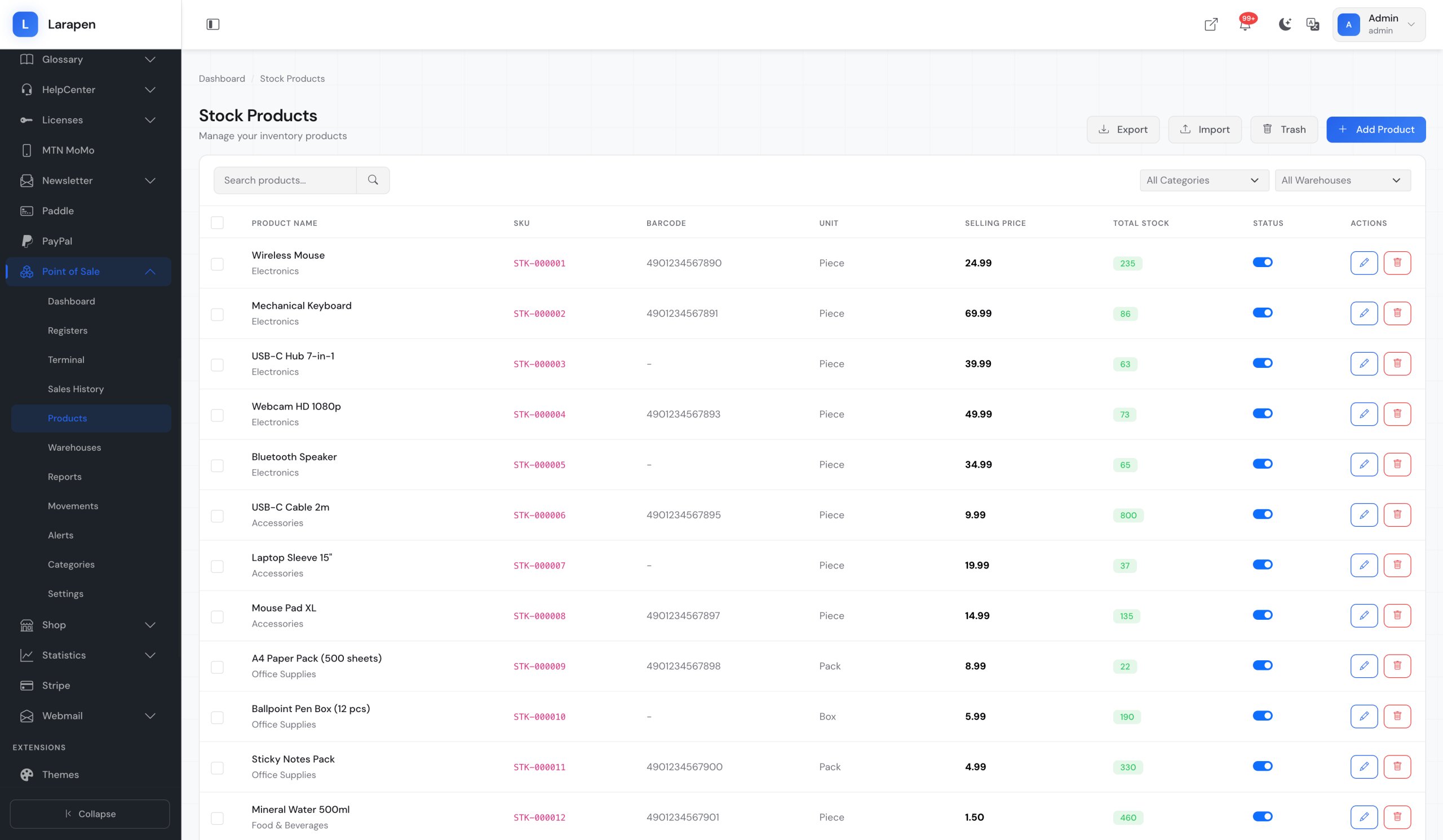
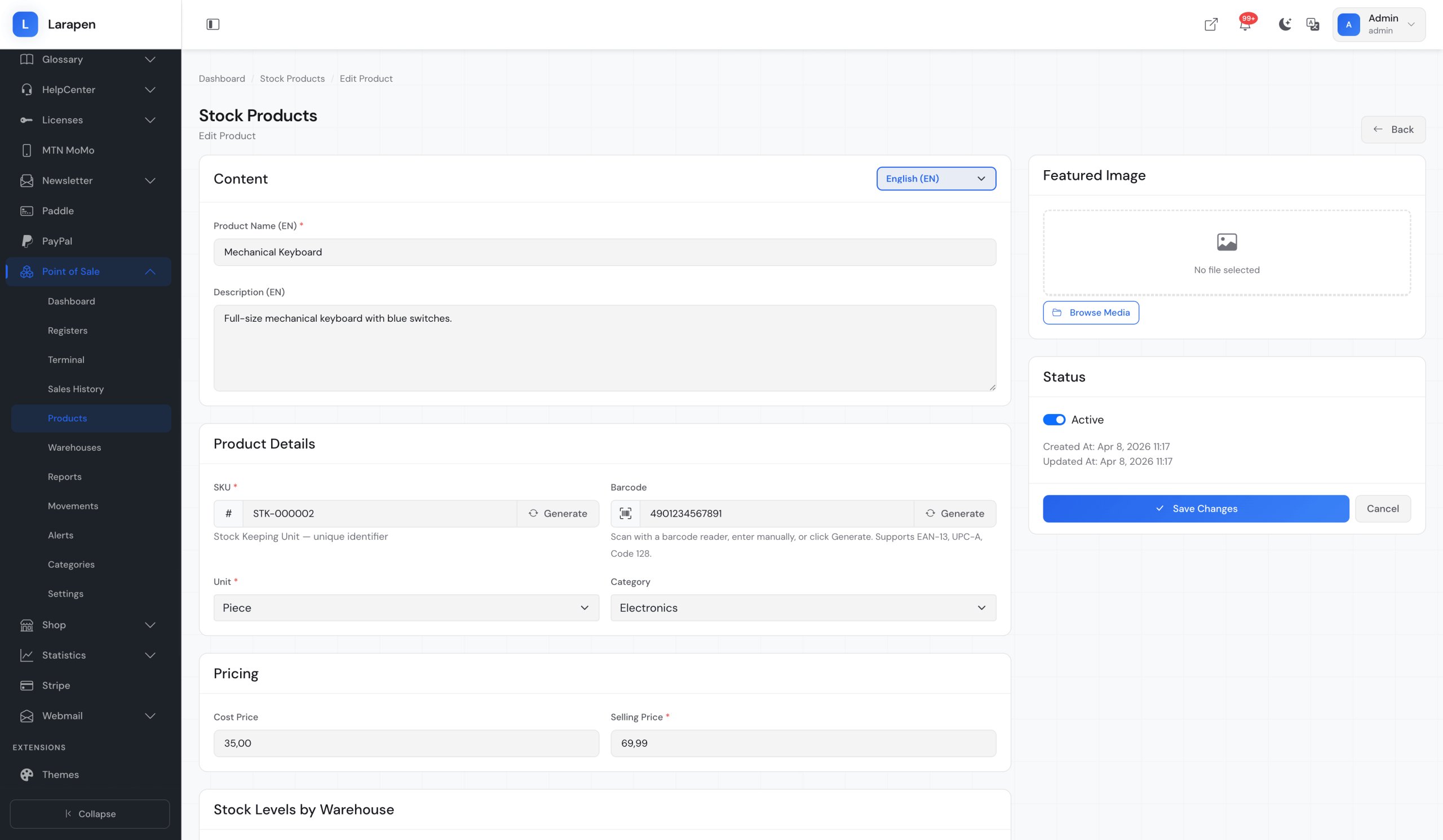
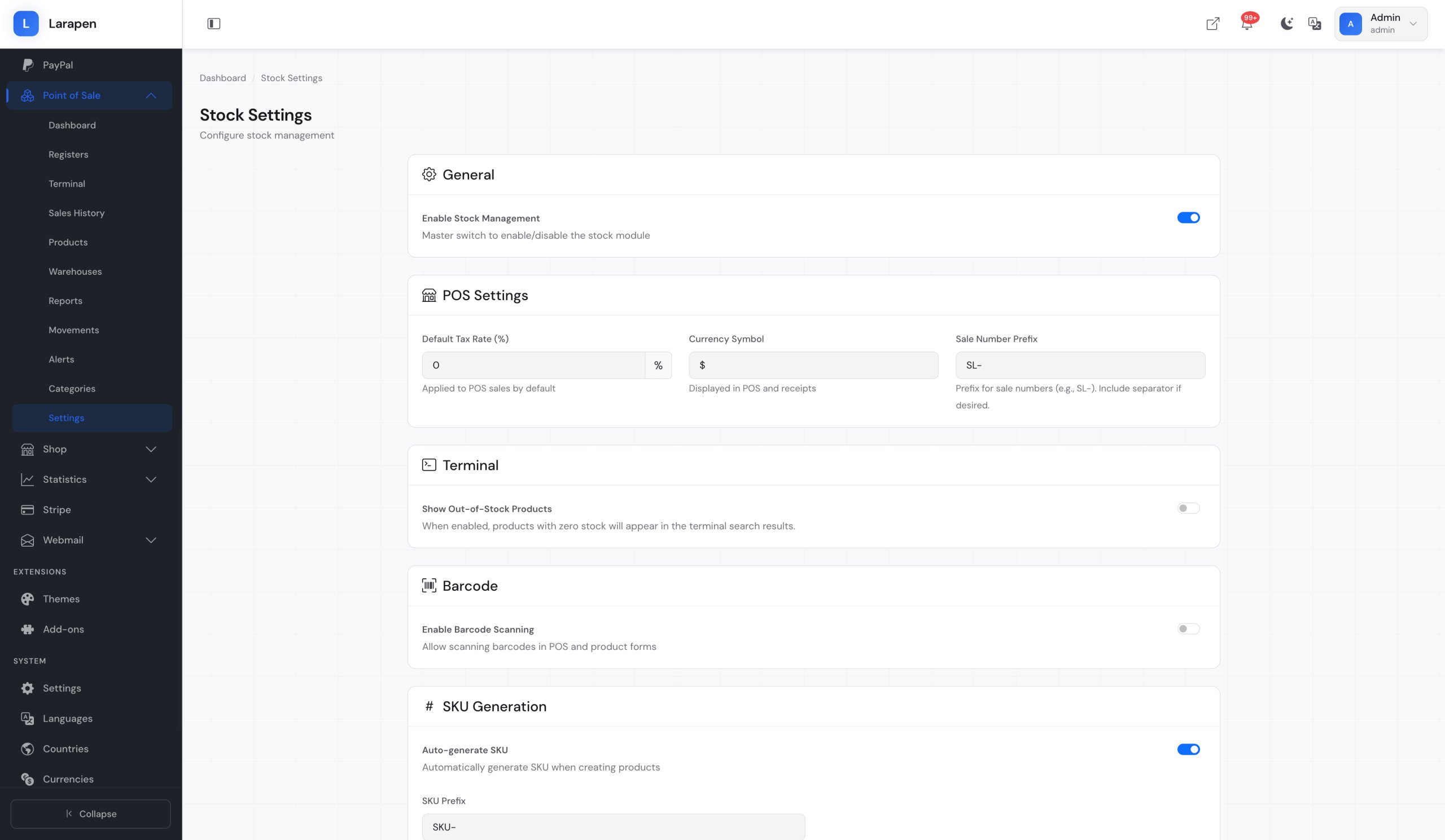
Some screenshots of the POS add-on.
How It Works
Set Up Your Products
The POS add-on uses the same product catalog as the Shop add-on. If you already have products set up, they are immediately available for in-store sales. Add SKUs and barcodes for fast scanning.
Open a Register Session
At the start of each shift, open a register session with the starting cash amount. The POS interface launches: scan products, process sales, and accept payments (cash, card, or mobile money).
Close & Review
Close the session at end of shift. The system generates a summary with total sales, payment breakdowns, and cash reconciliation. Review daily reports to track performance and identify trends.
Frequently Asked Questions
Ready to Unify Your Sales Channels?
Manage online and in-store sales from one platform. Get the POS add-on and take control of your retail operations.